For students
Book, sign, keep receipts
Whether your instructor works for themselves or teaches out of a school, magsboth is where you book their time, sign what they send you, and keep a copy of what you paid. Free for you, and about five minutes to learn.
Find someone to fly with
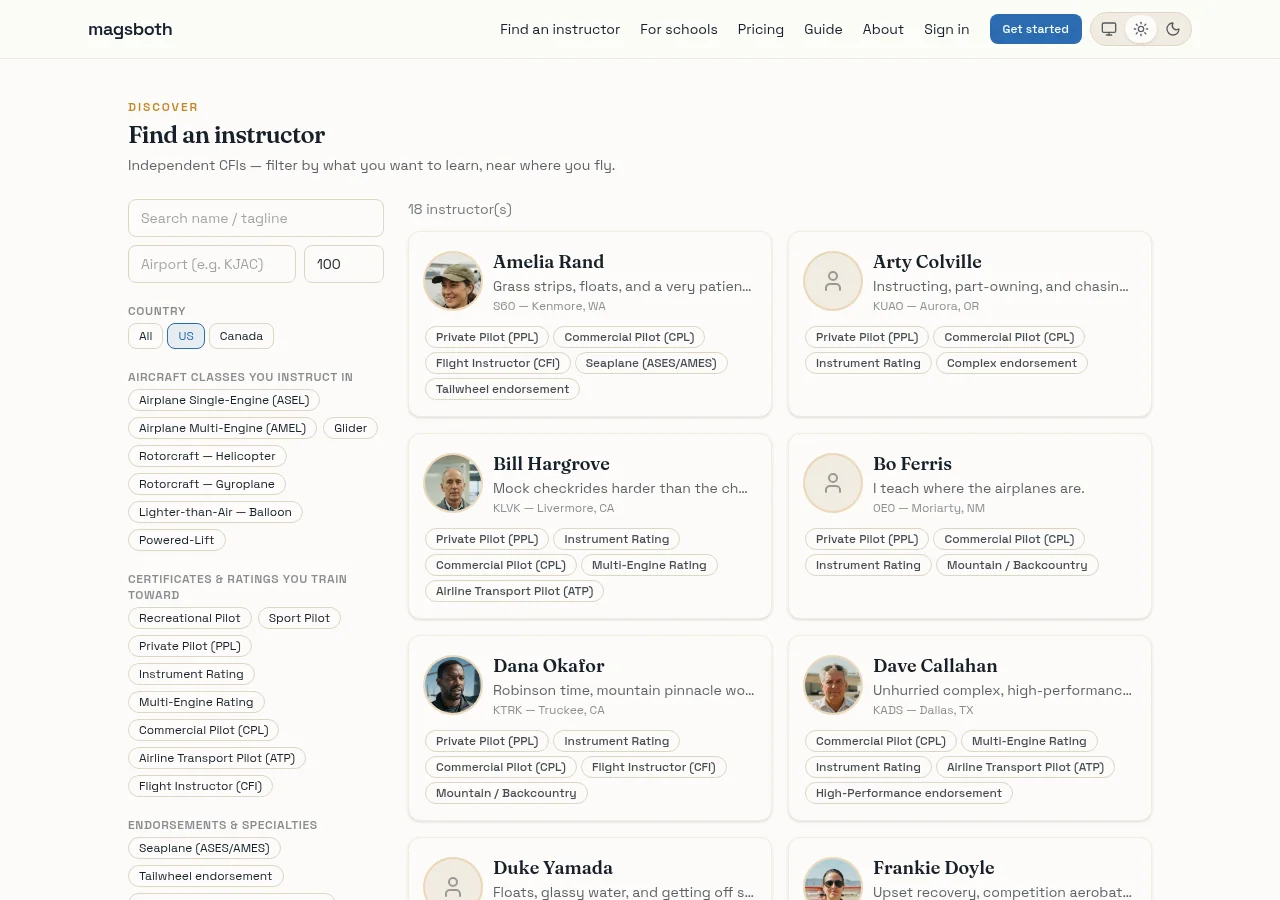
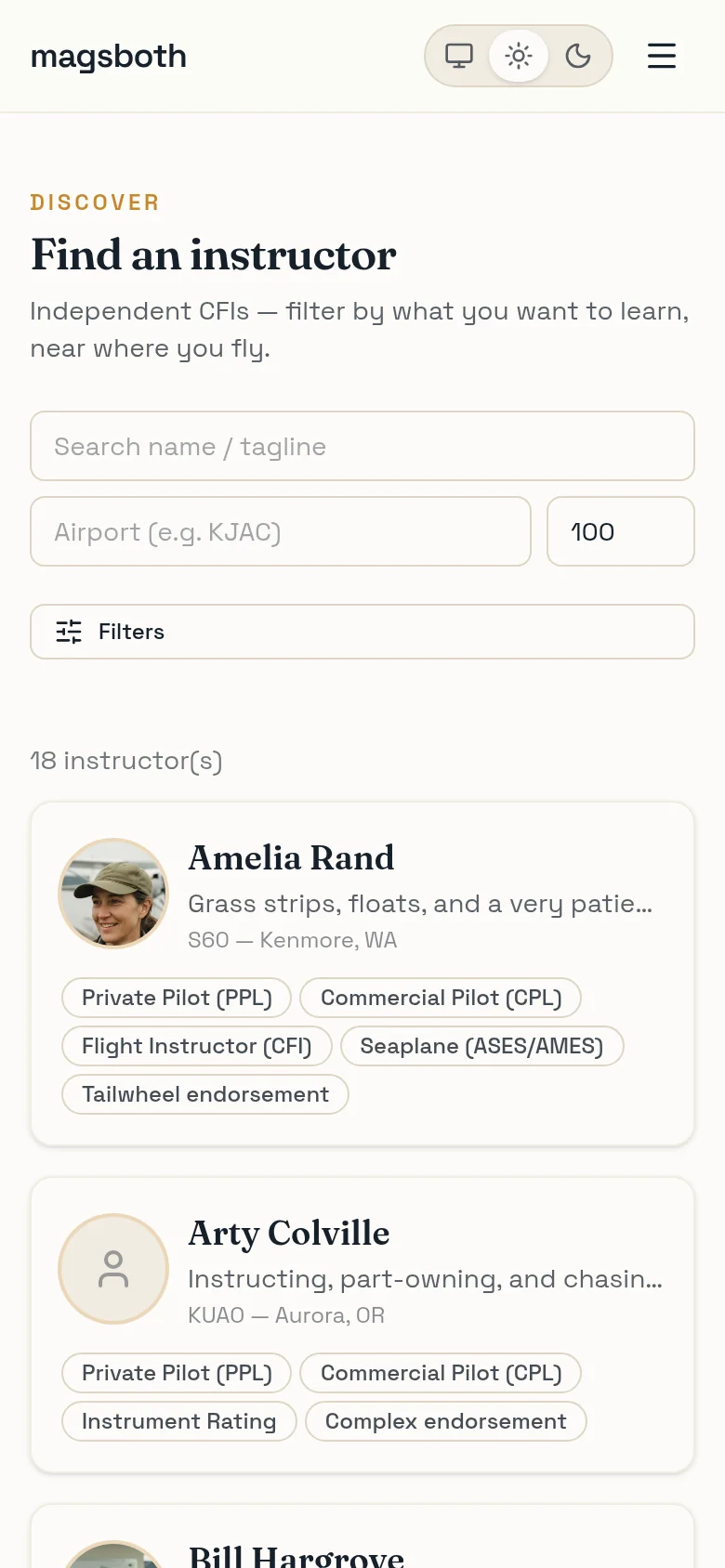
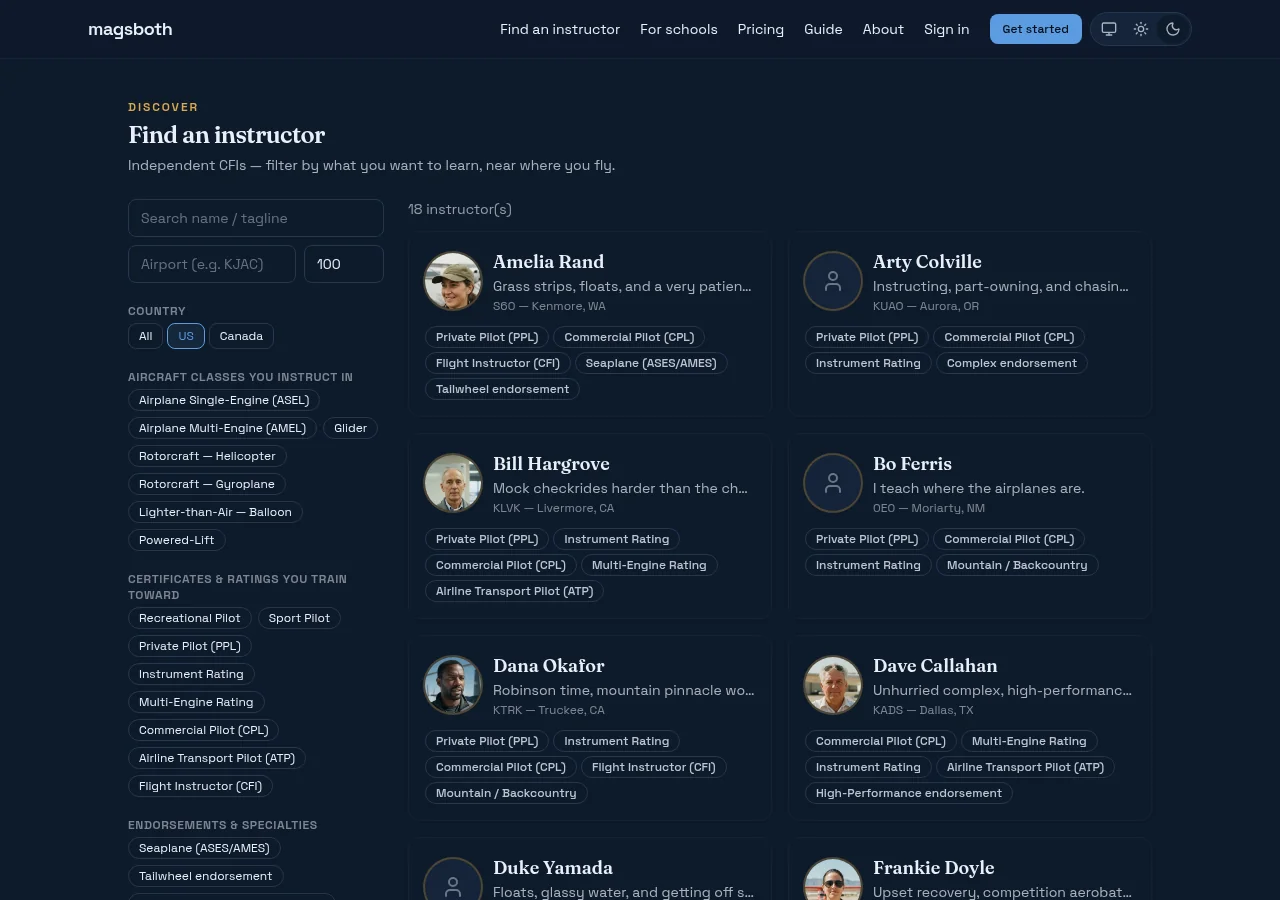
Find an instructor lists independent CFIs and lets you narrow by the things that actually decide it: the airport you can get to, the aircraft class, the certificate or rating you're working toward, and specialties like tailwheel, seaplane, aerobatics, or mountain flying.
There's also a "vibe" filter, which sounds unserious and isn't. You'll spend a lot of hours in a small cabin with this person; the difference between methodical and high-energy matters more than most people admit until they've had the wrong one.
Read their page
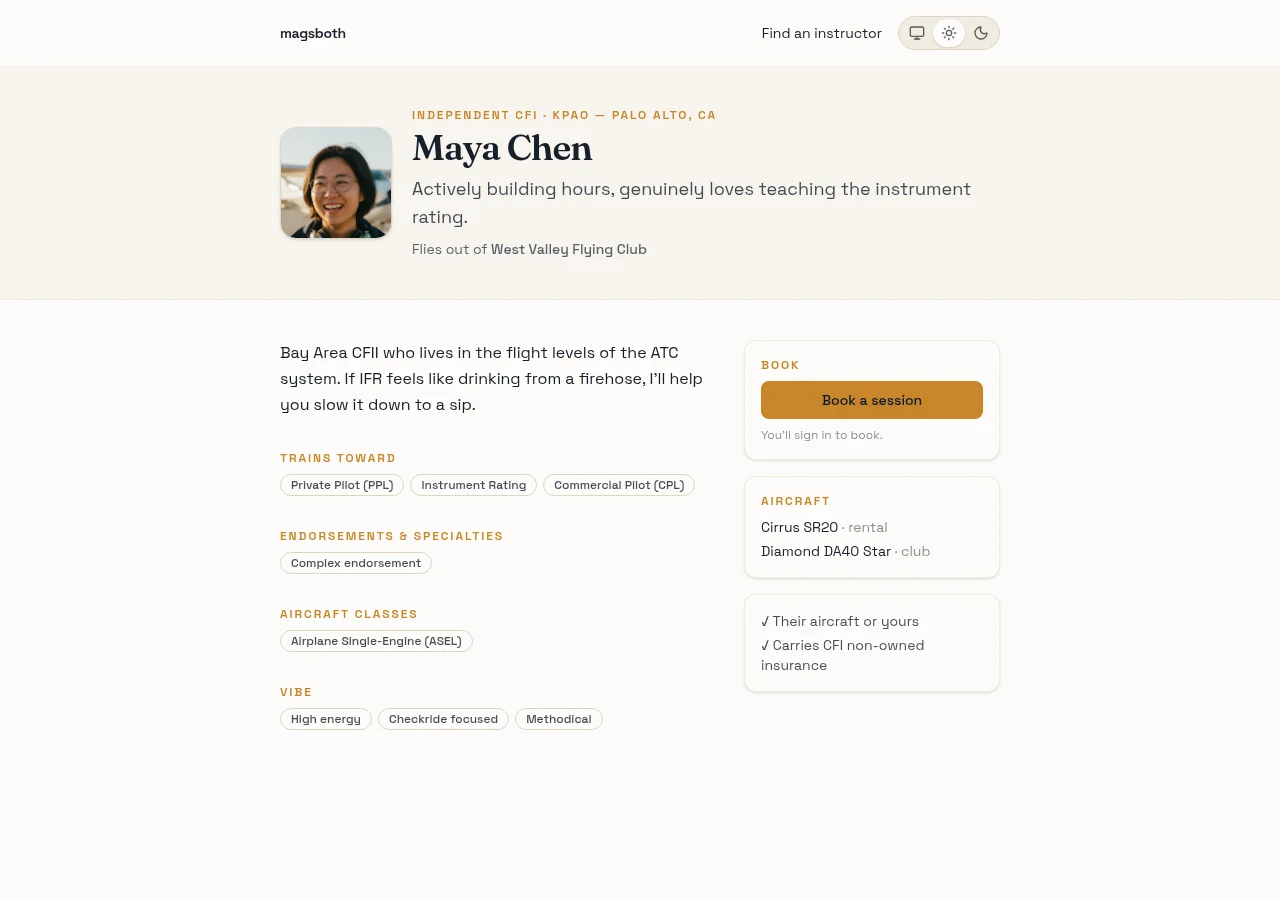
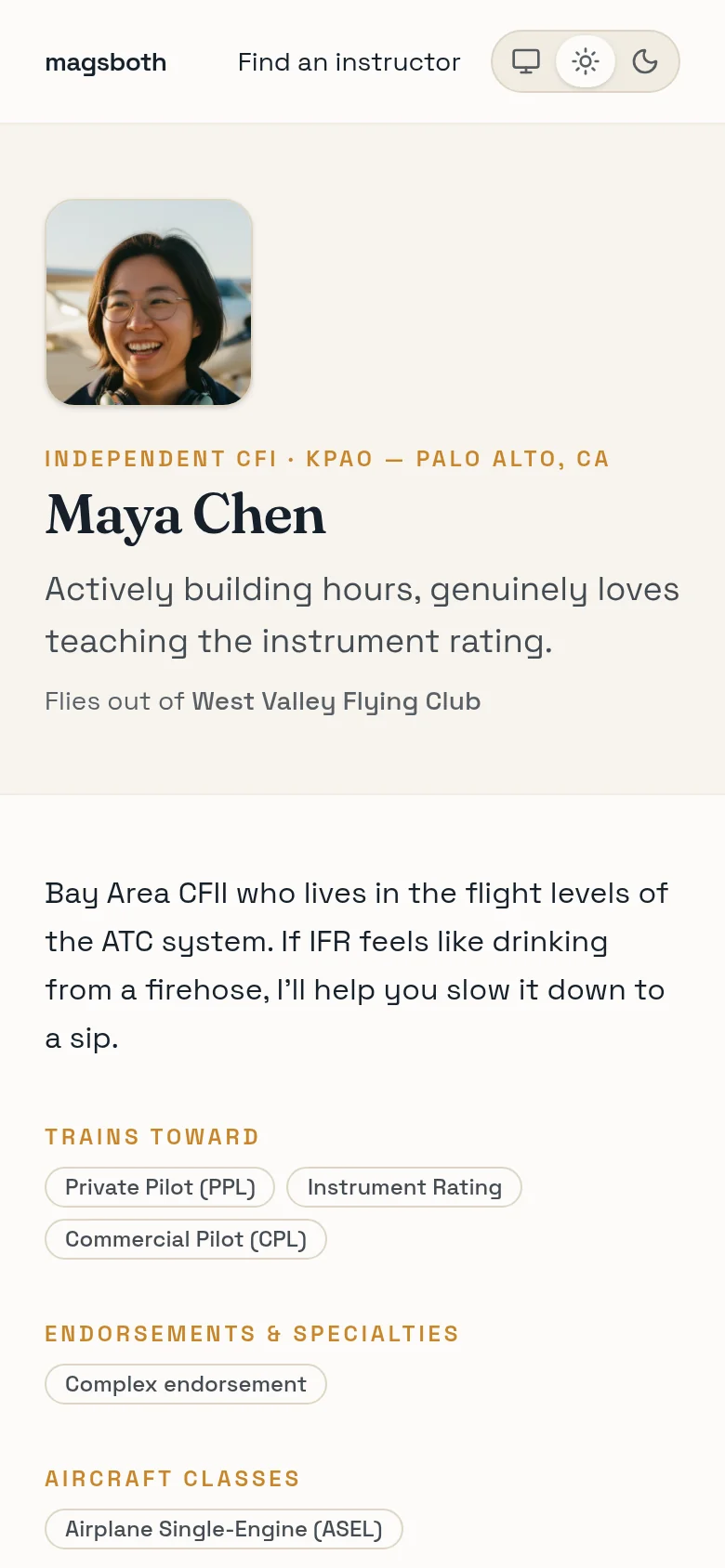
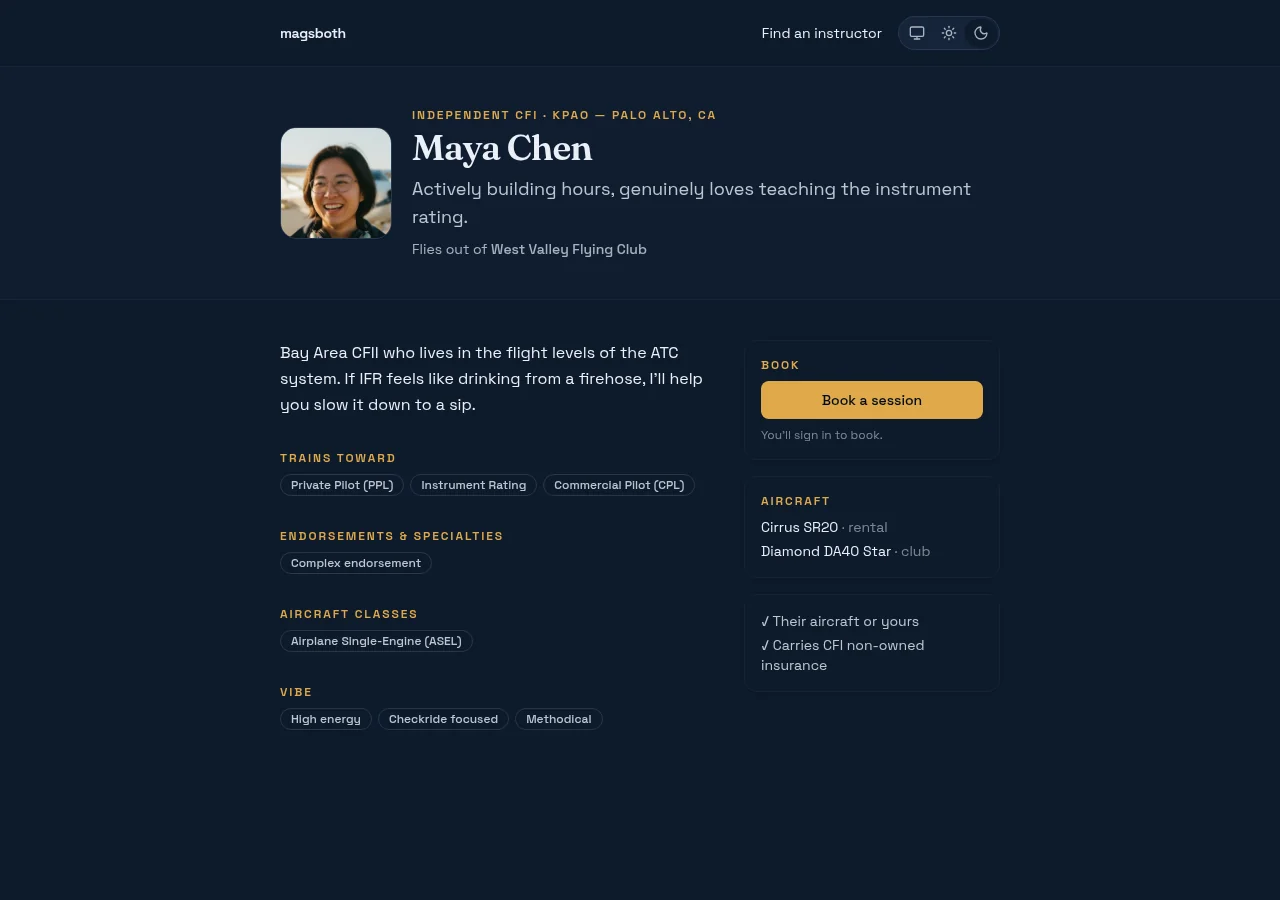
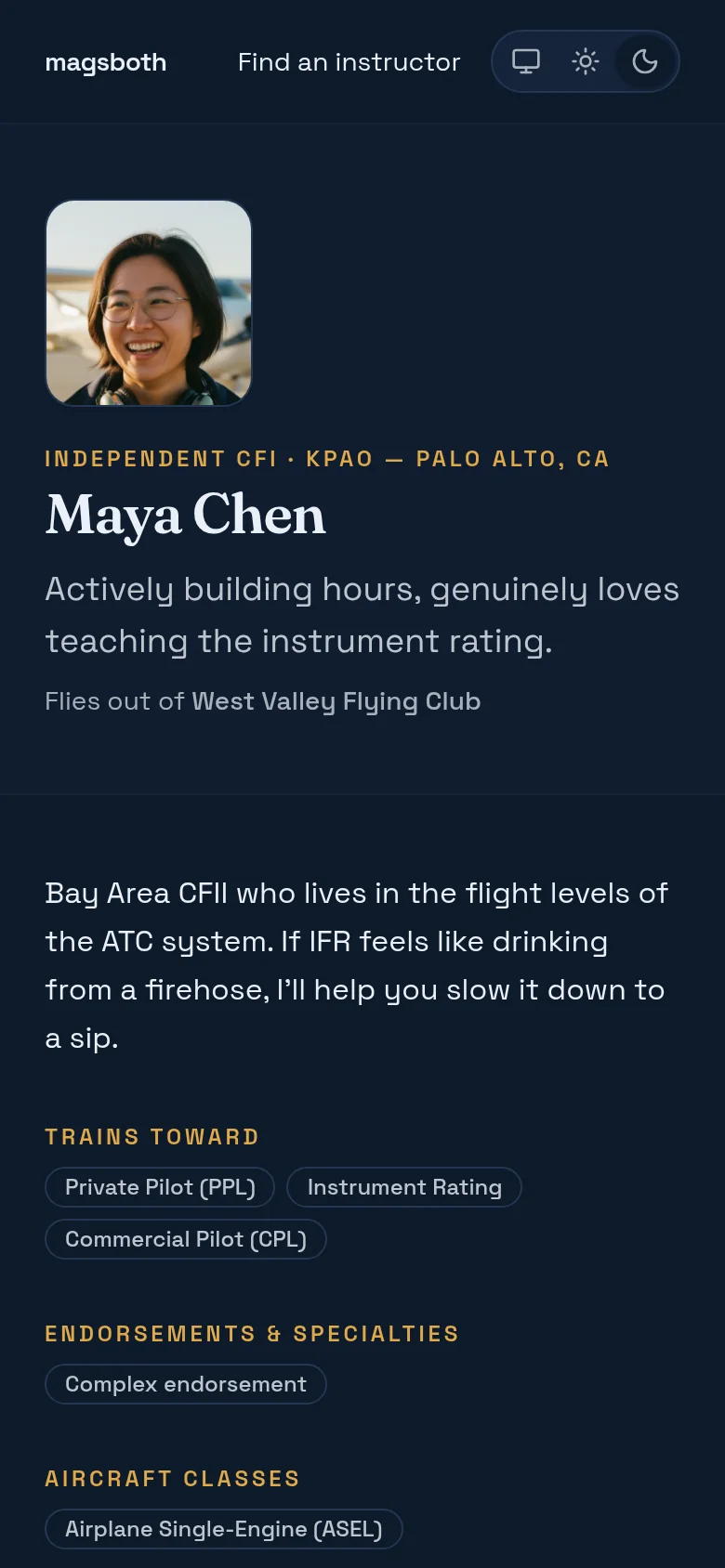
Every instructor has a public page at magsboth.com/@handle:
what they train toward, what they fly, whose aircraft you'll be in, and whether
they carry their own instructor insurance. Worth two minutes before you book.
Book a time
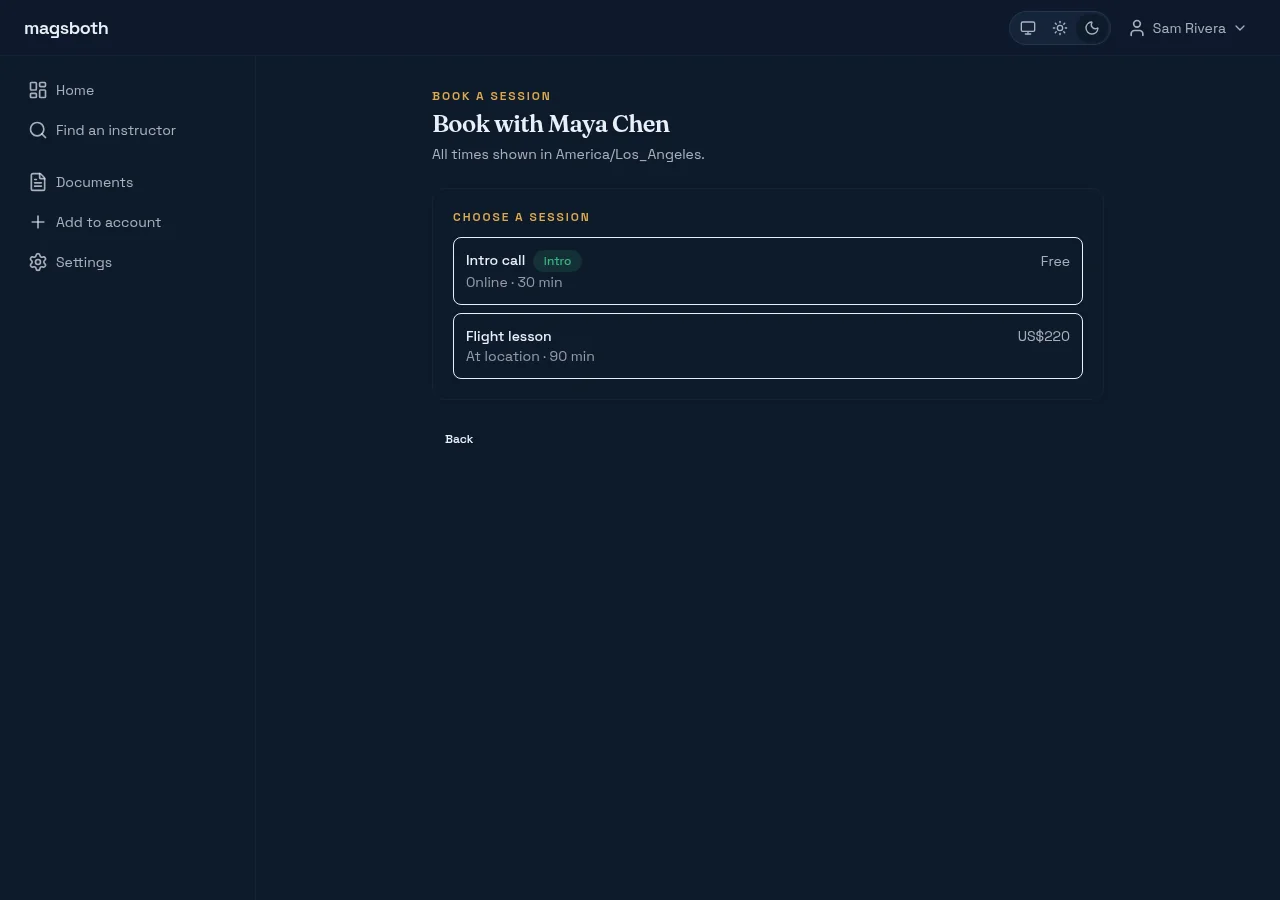
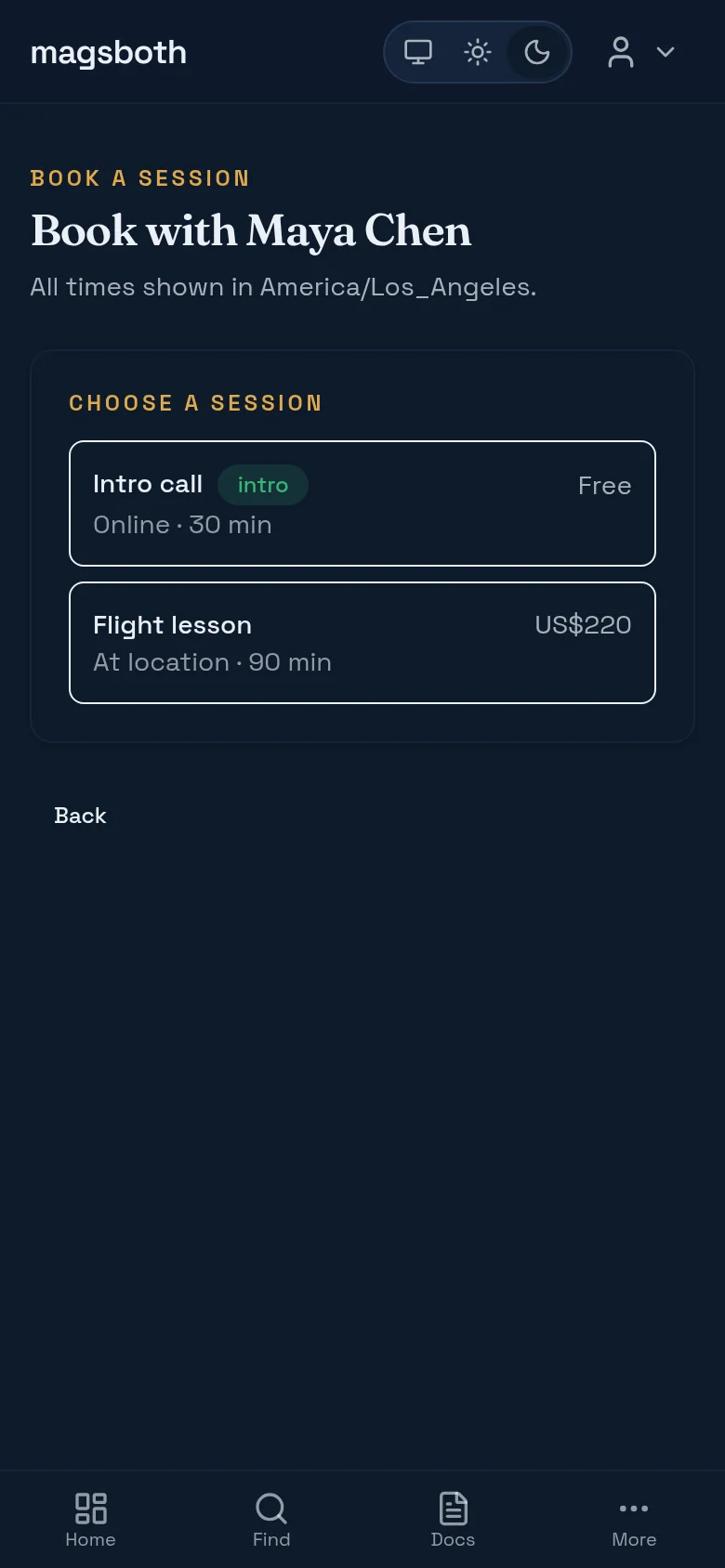
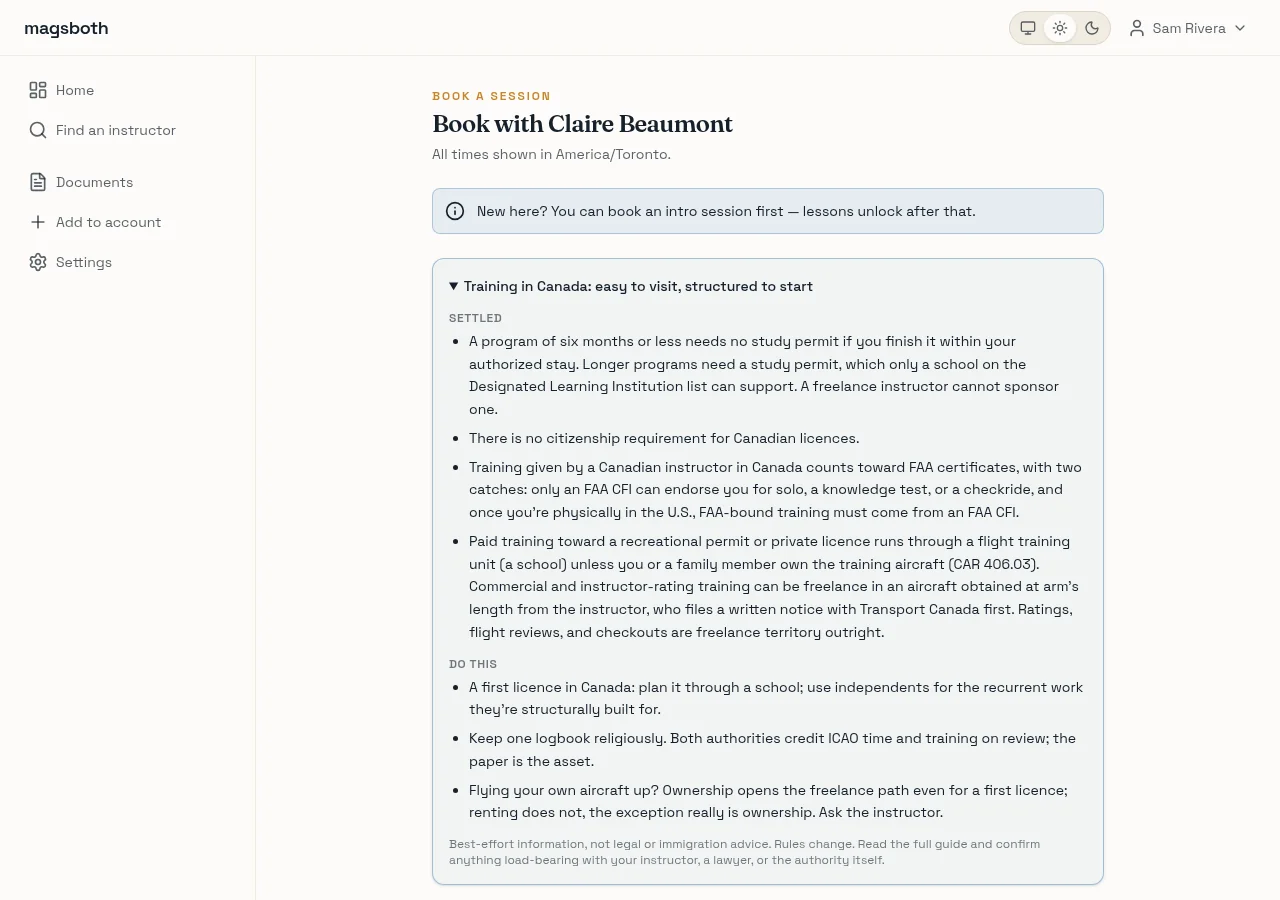
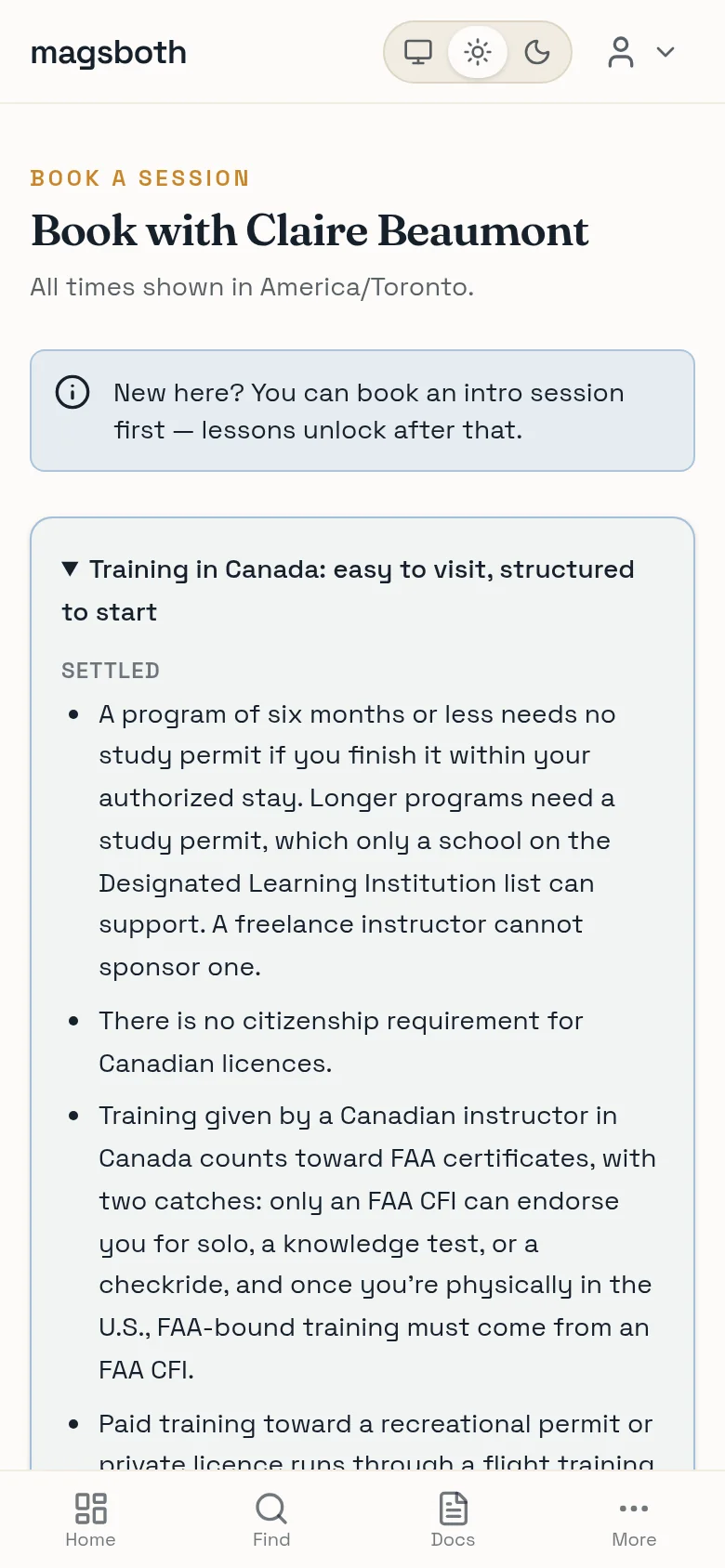
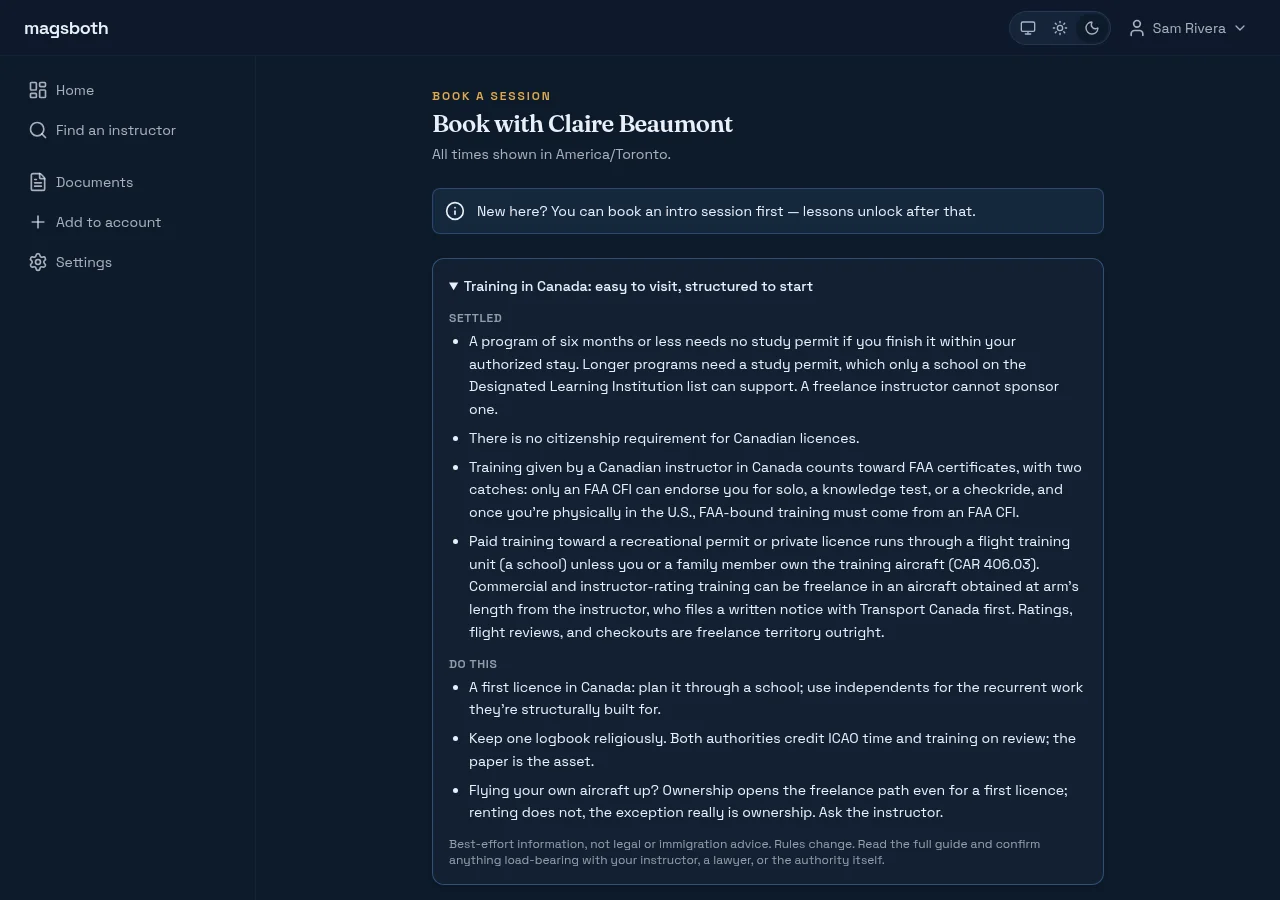
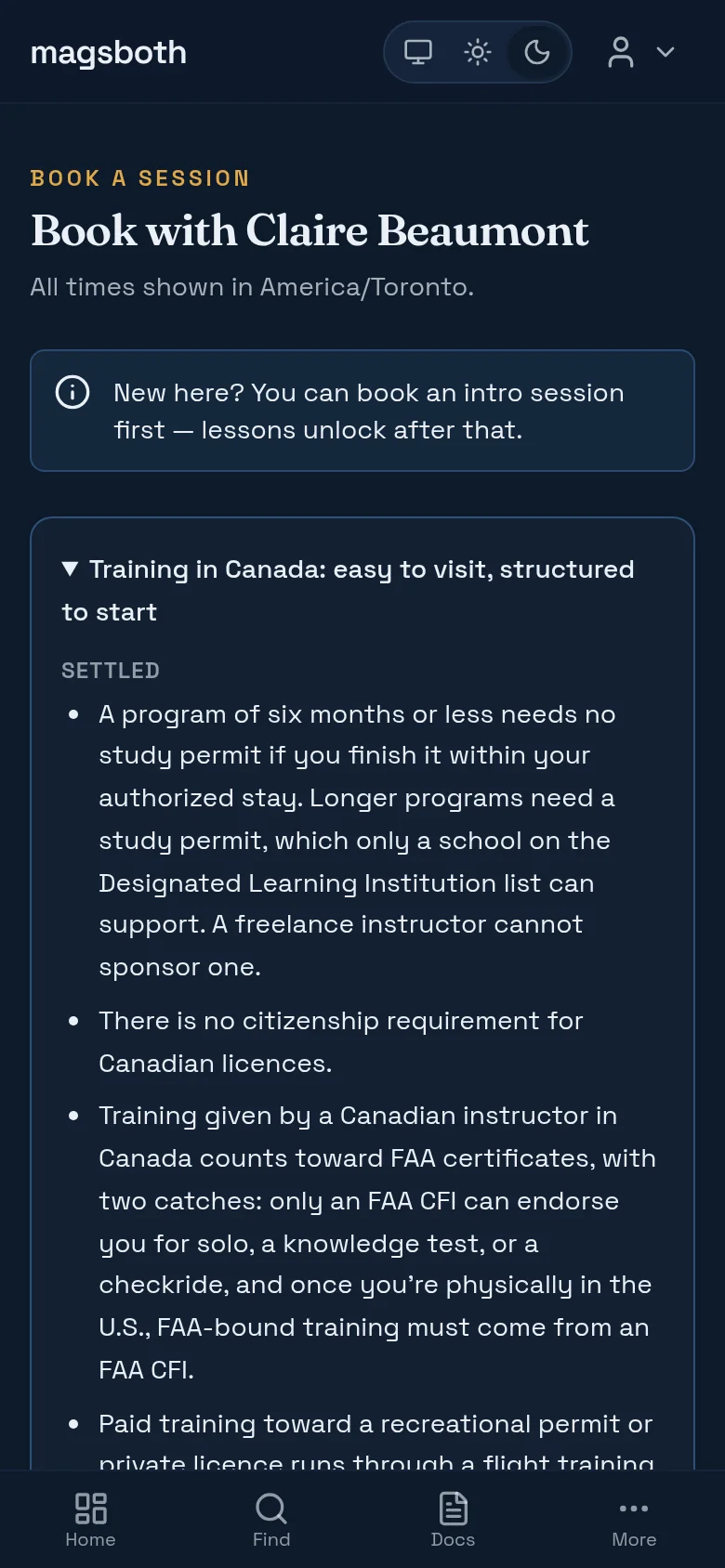
Pick the kind of session first. Most instructors offer a free intro call (a short conversation to see whether you two are a fit) and require you to do that before booking flying time. If a session says "intro required first", that's why.
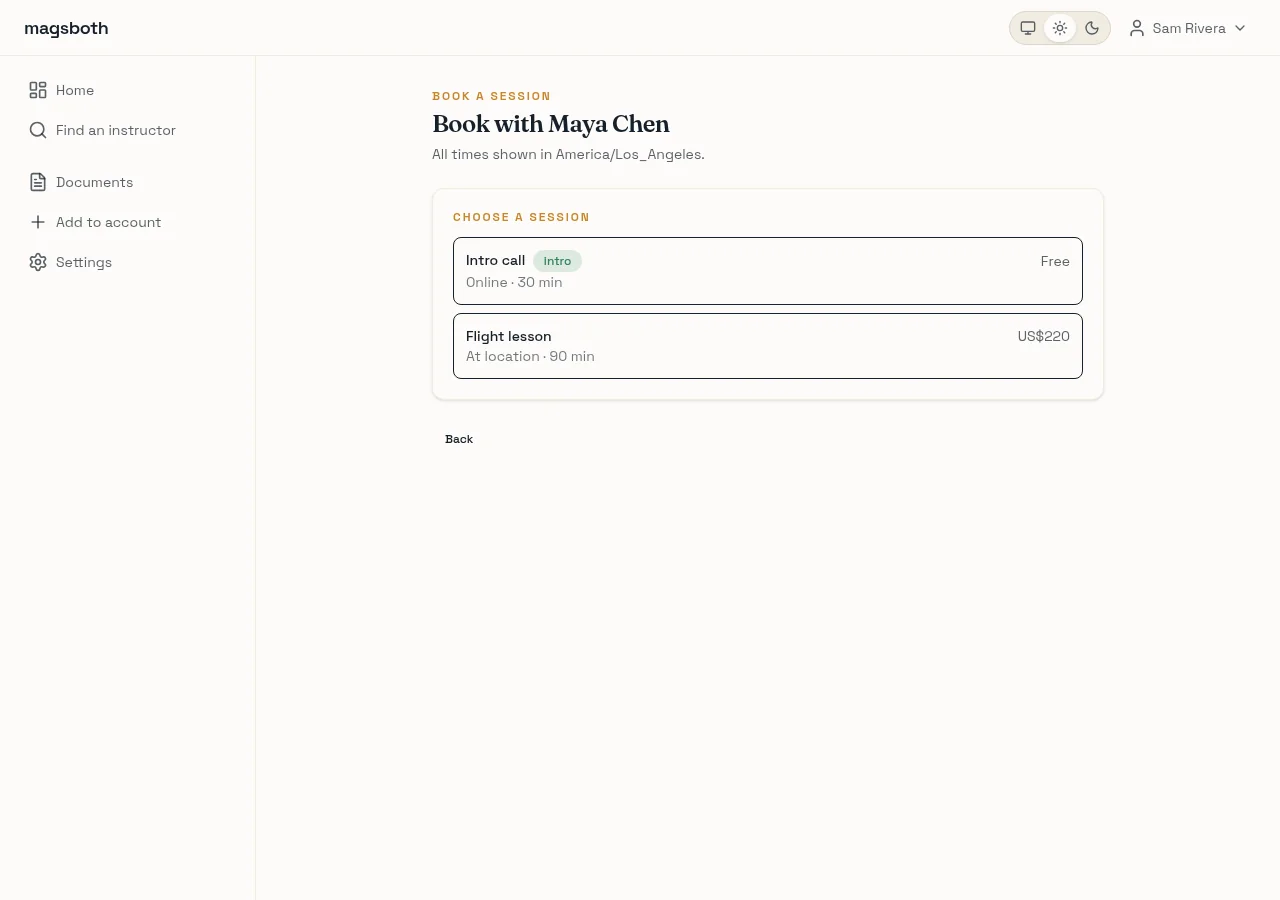
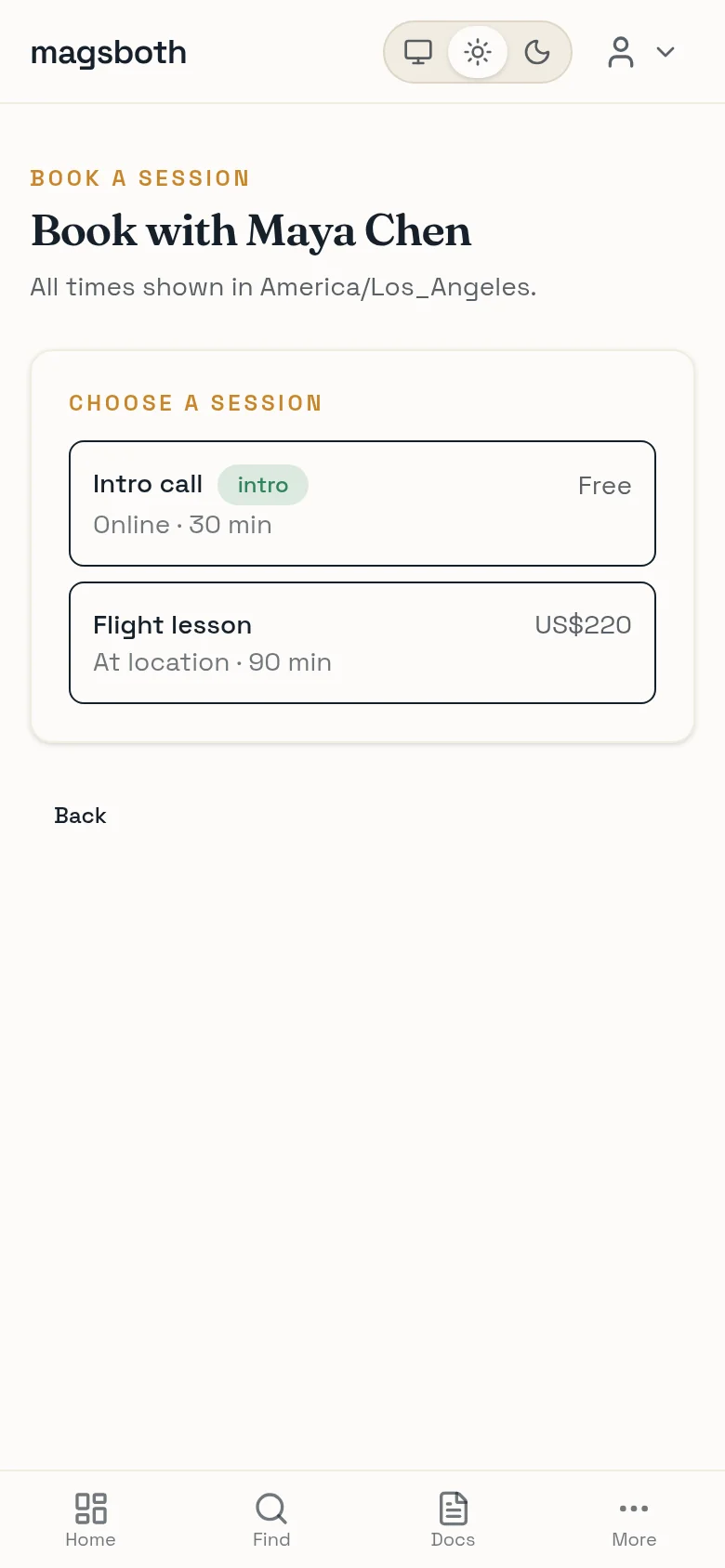
Then pick a slot. You're seeing your instructor's real availability, already adjusted to your timezone, with their notice rules applied. If nothing shows for tomorrow, it's because they've asked for more warning than that.
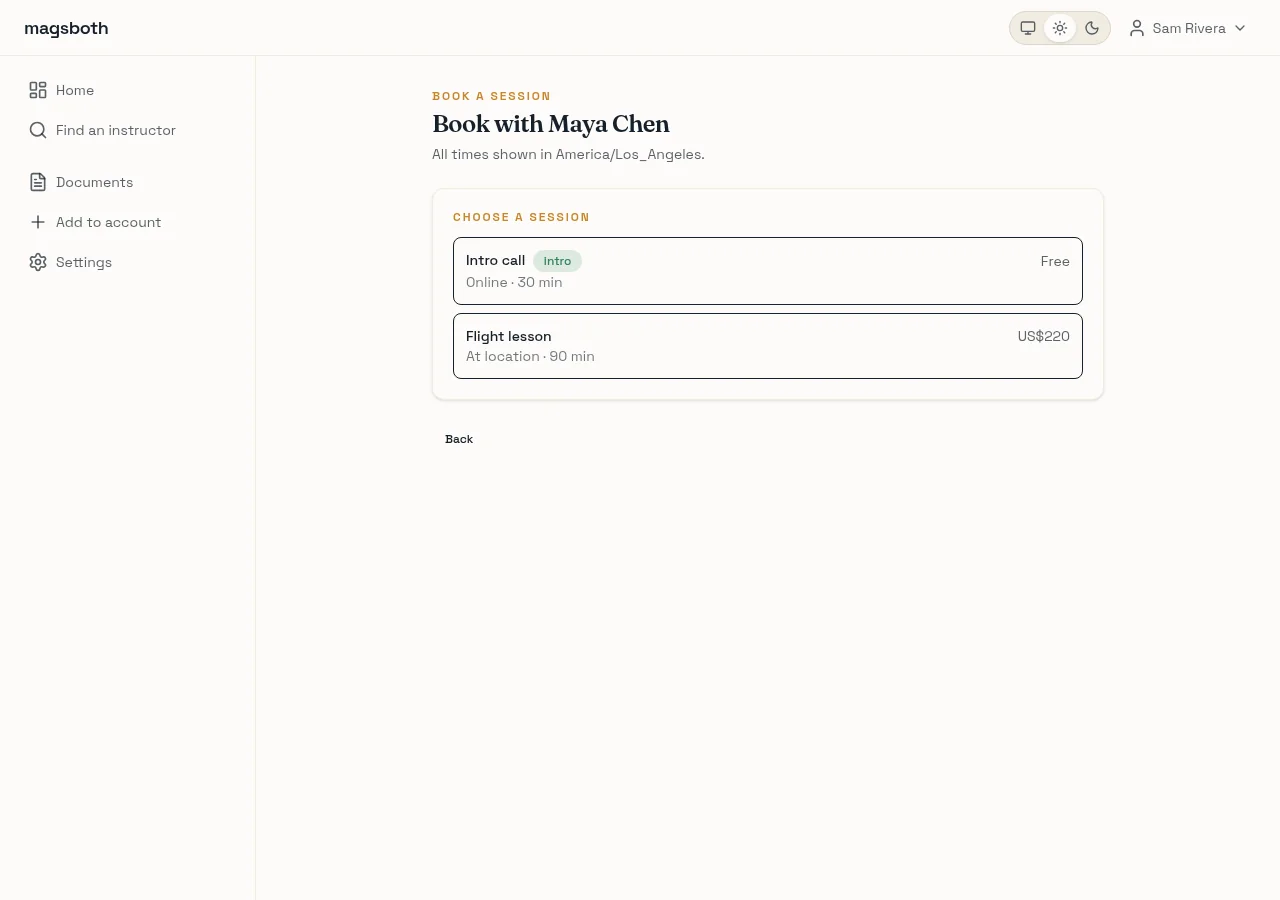
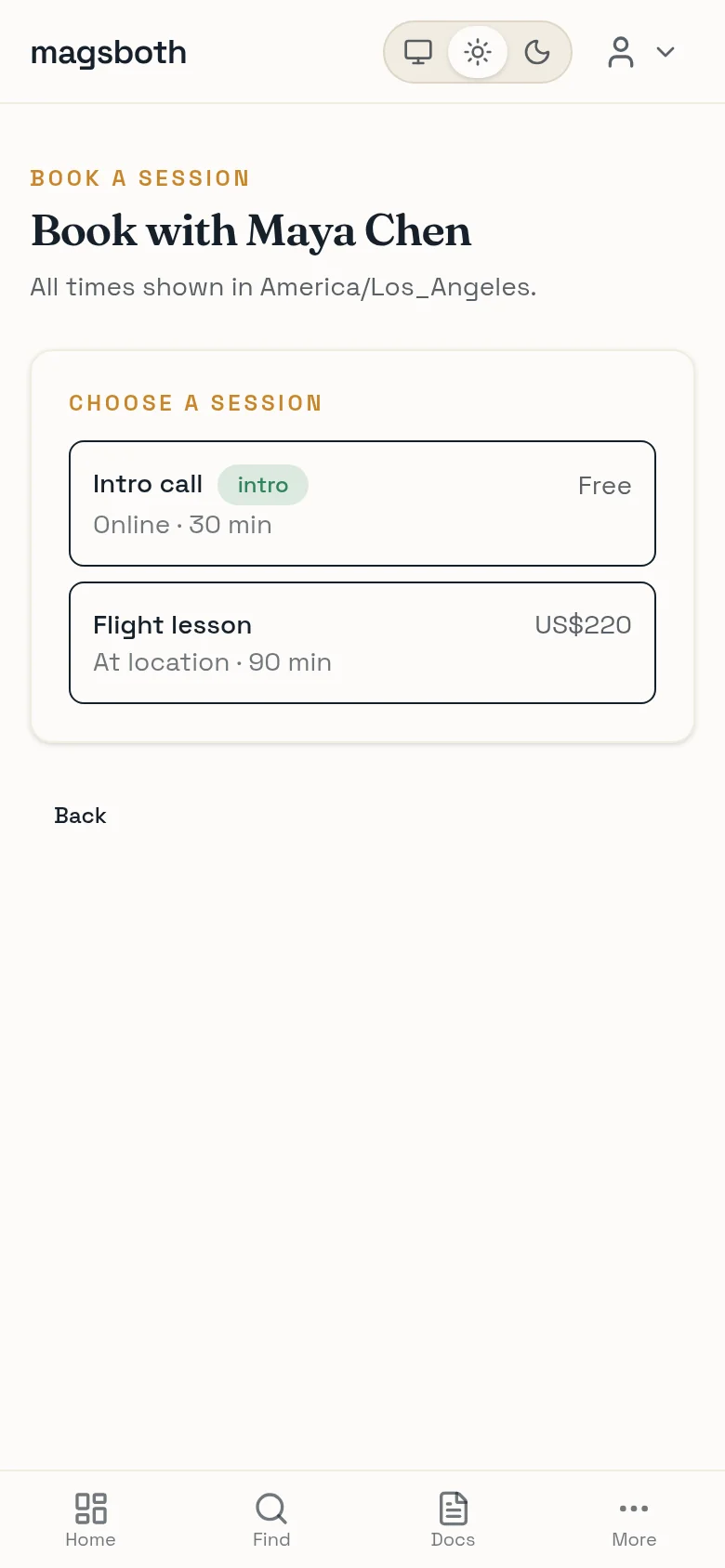
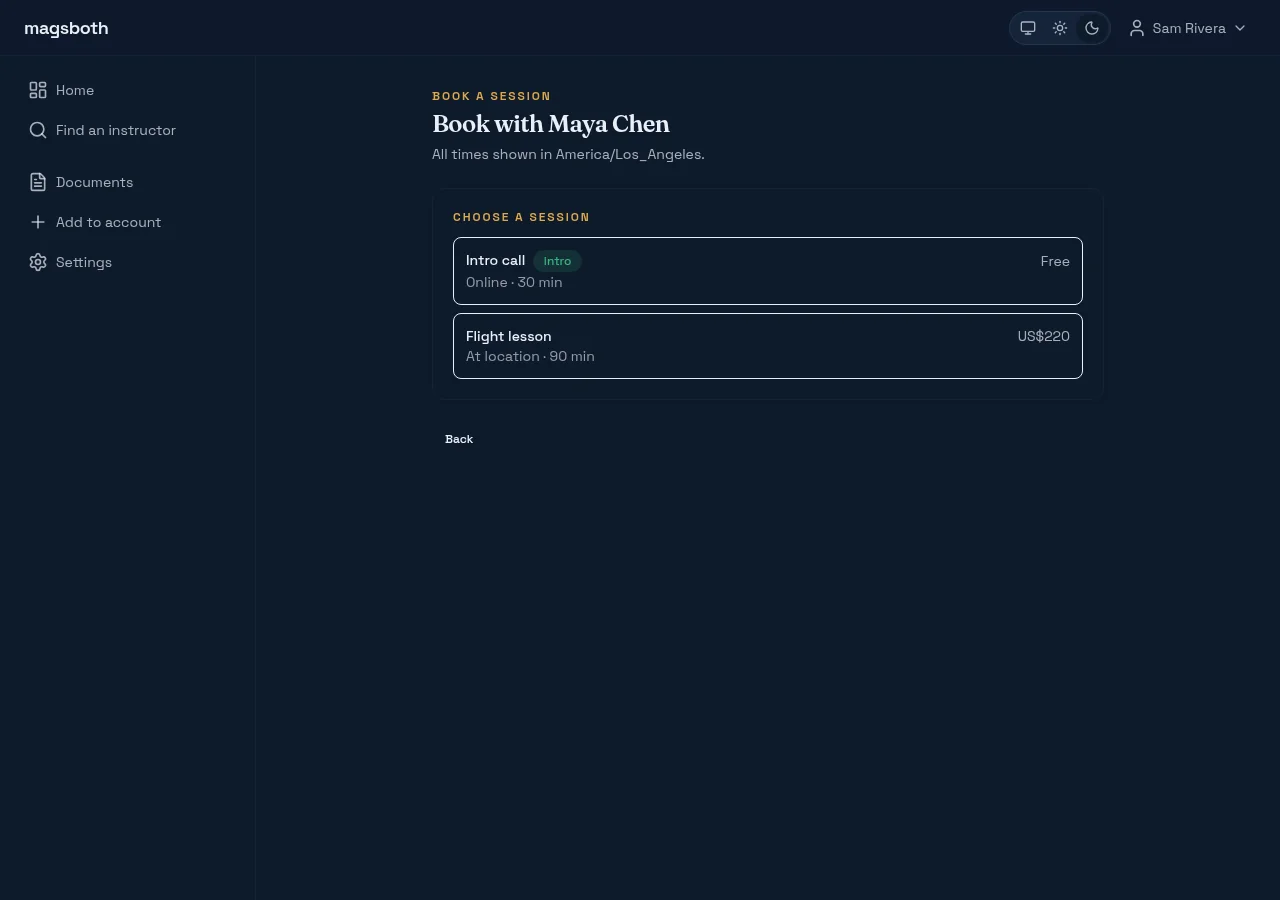
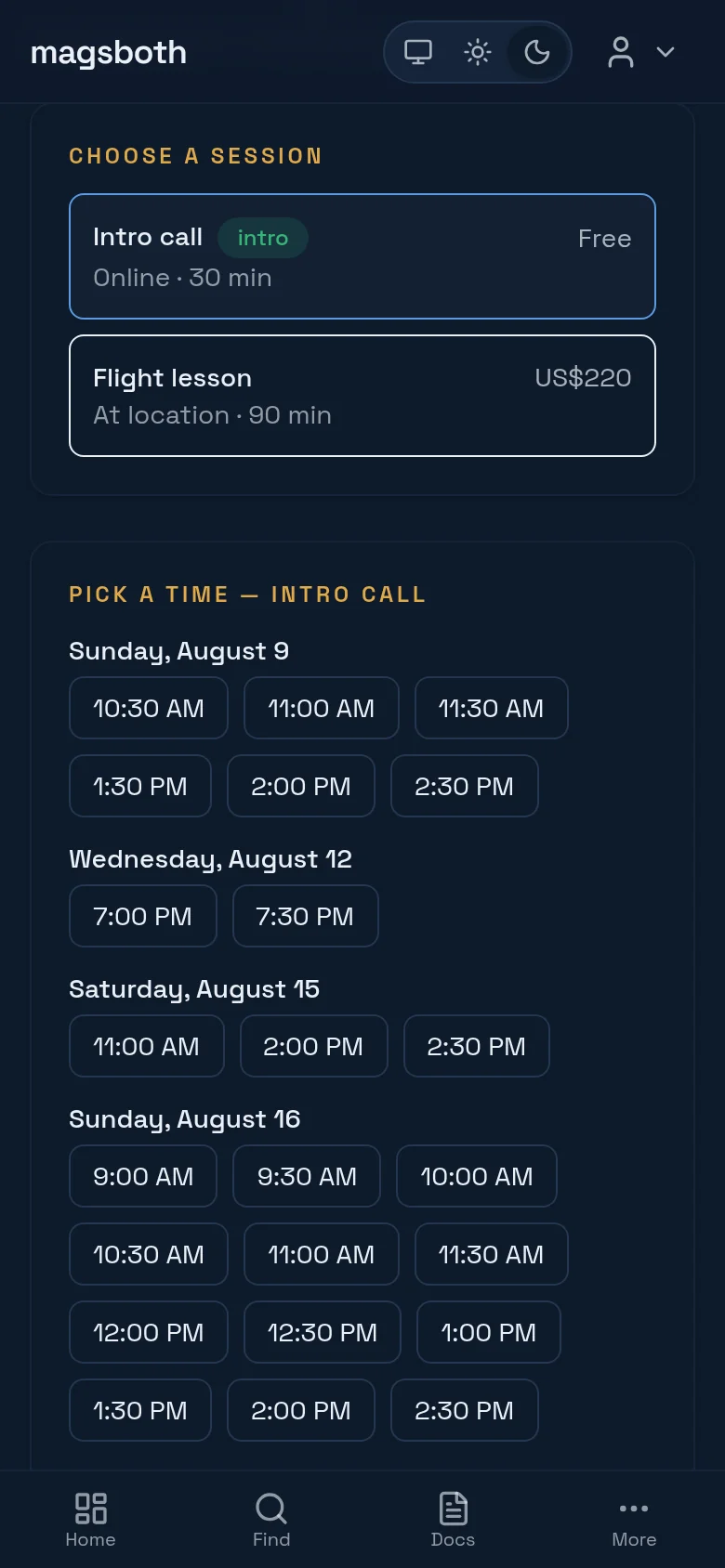
You'll sign in or create a free account at this point. It exists so you have somewhere to see your bookings, sign documents, and keep receipts.
Keep an eye on your dashboard
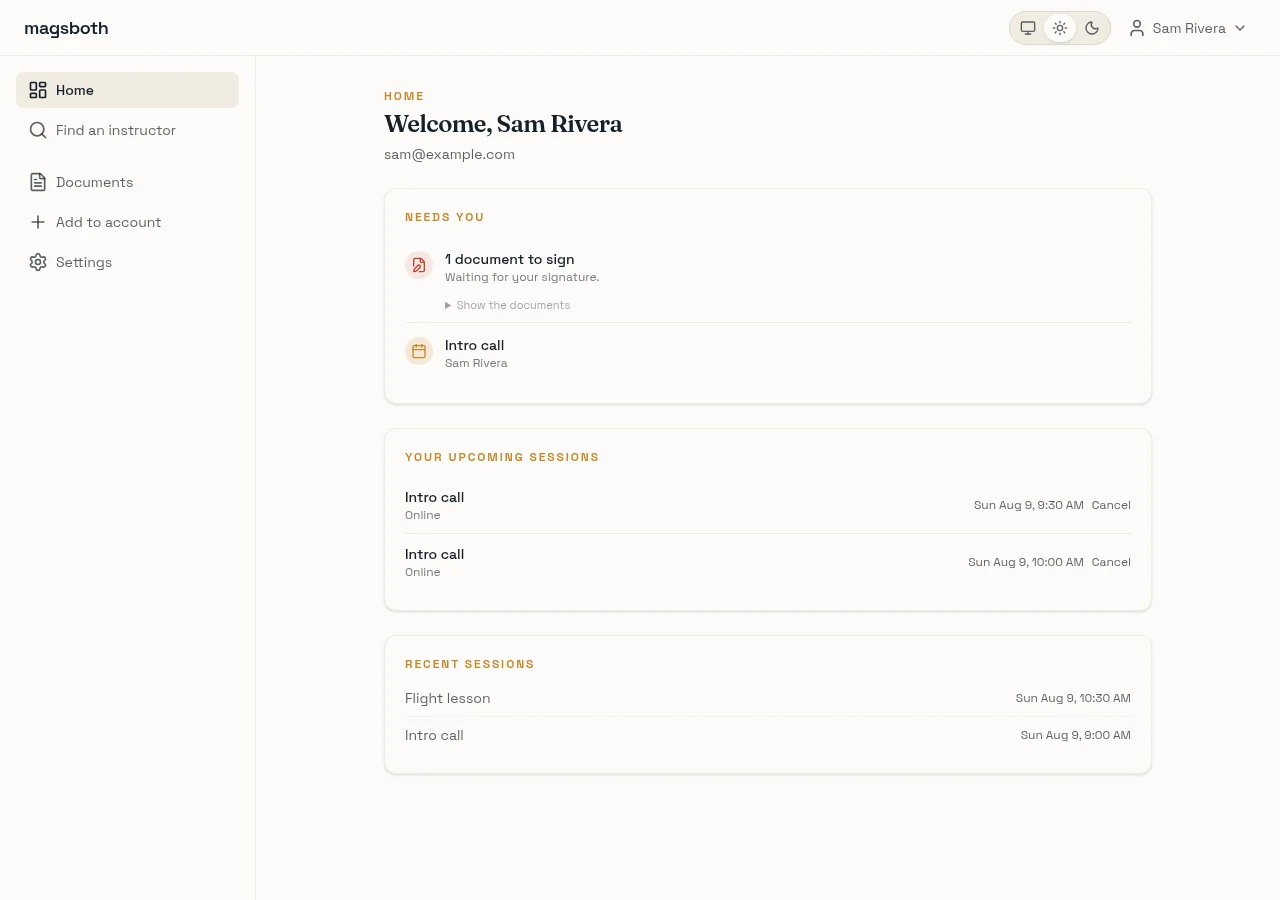
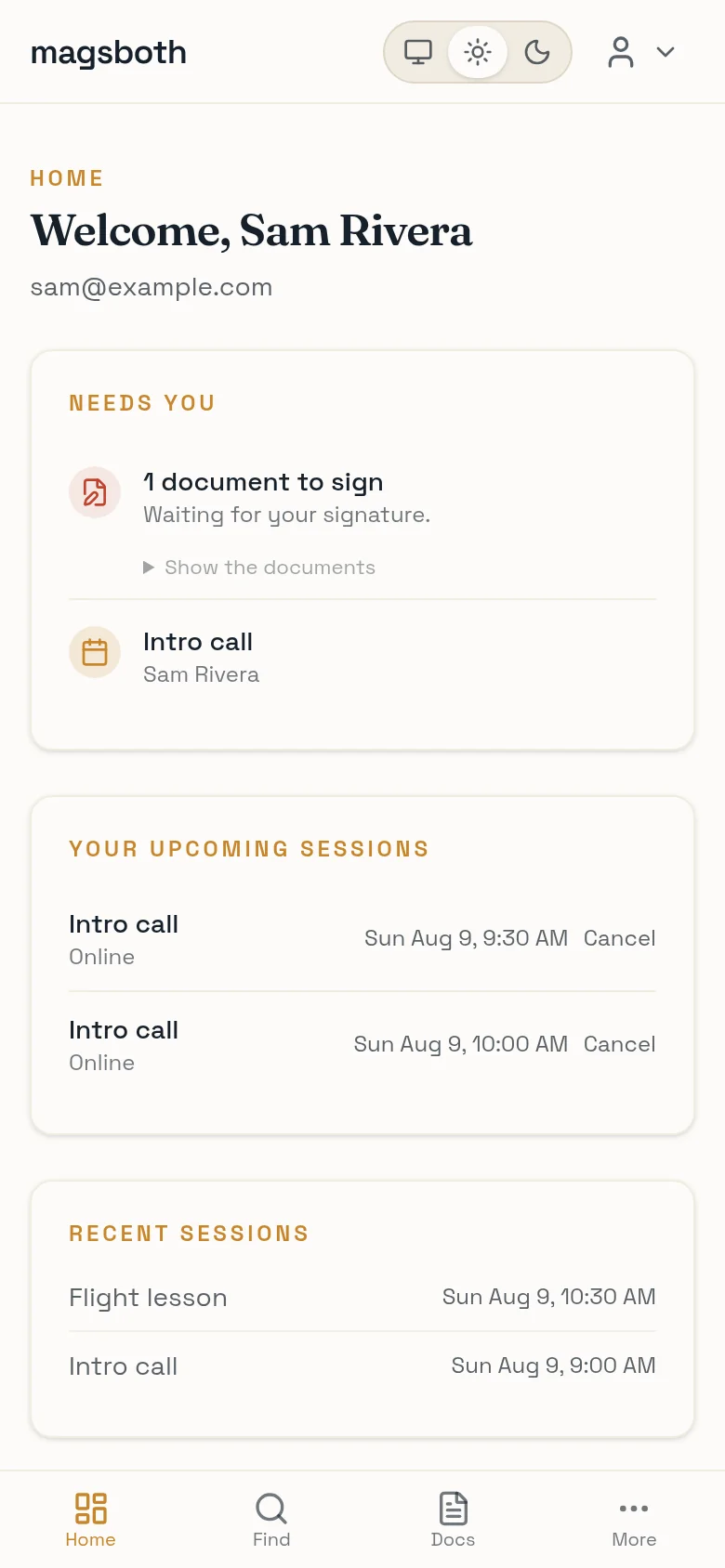
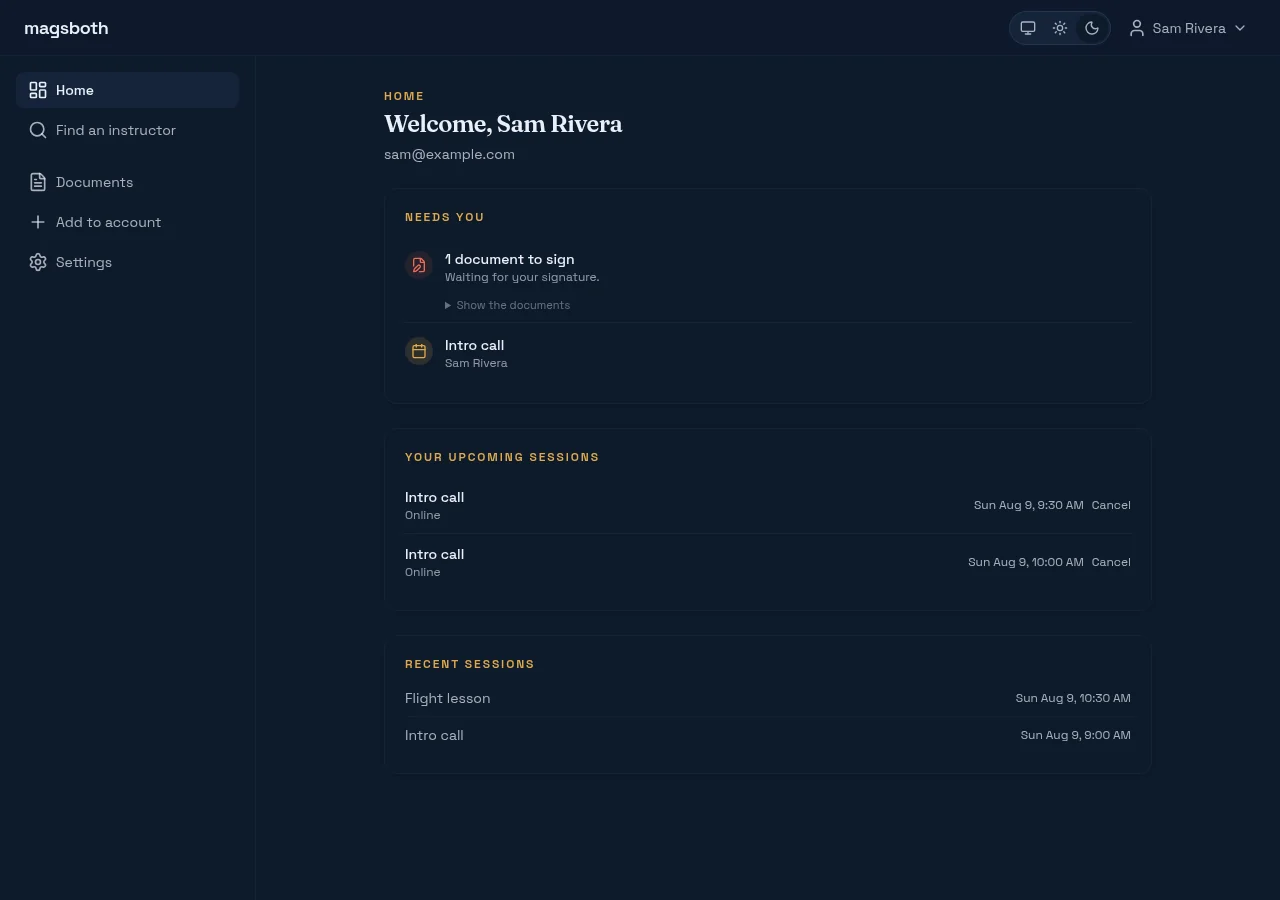
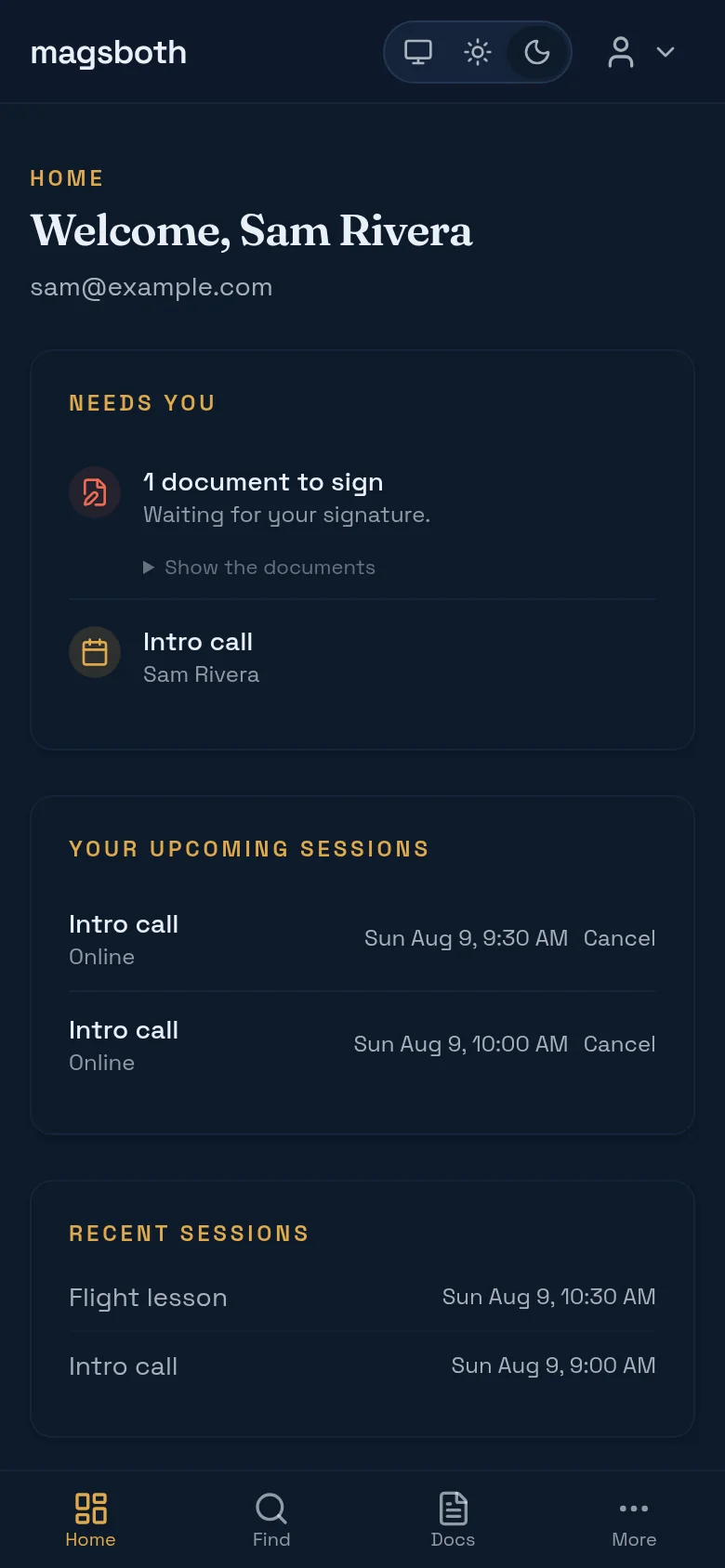
Everything you have booked is on one page, with anything waiting for your signature pinned at the top. You can cancel yourself up to your instructor's cancellation window; after that, message them. Most people are reasonable about weather and sick kids, and none of them like finding out at the hold-short line.
Sign what they send you
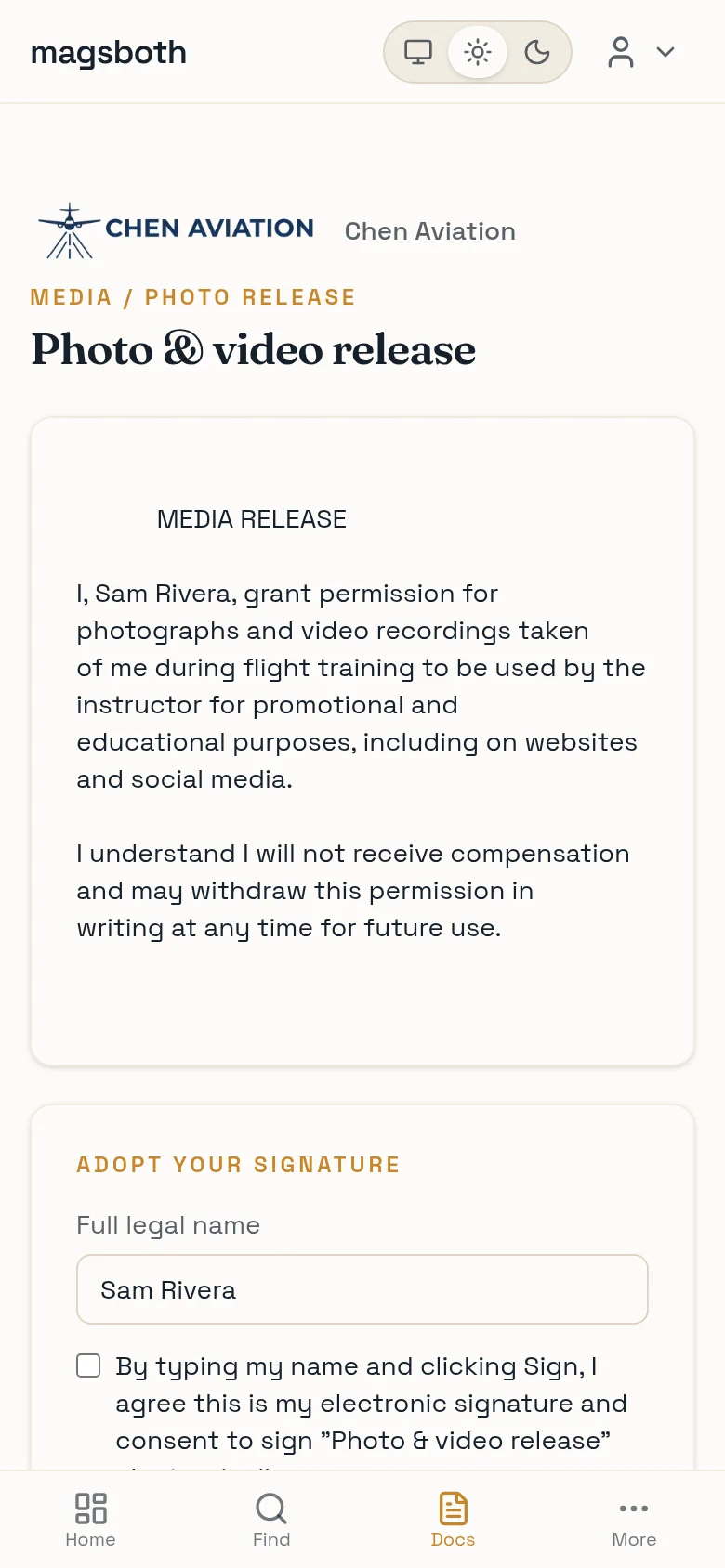
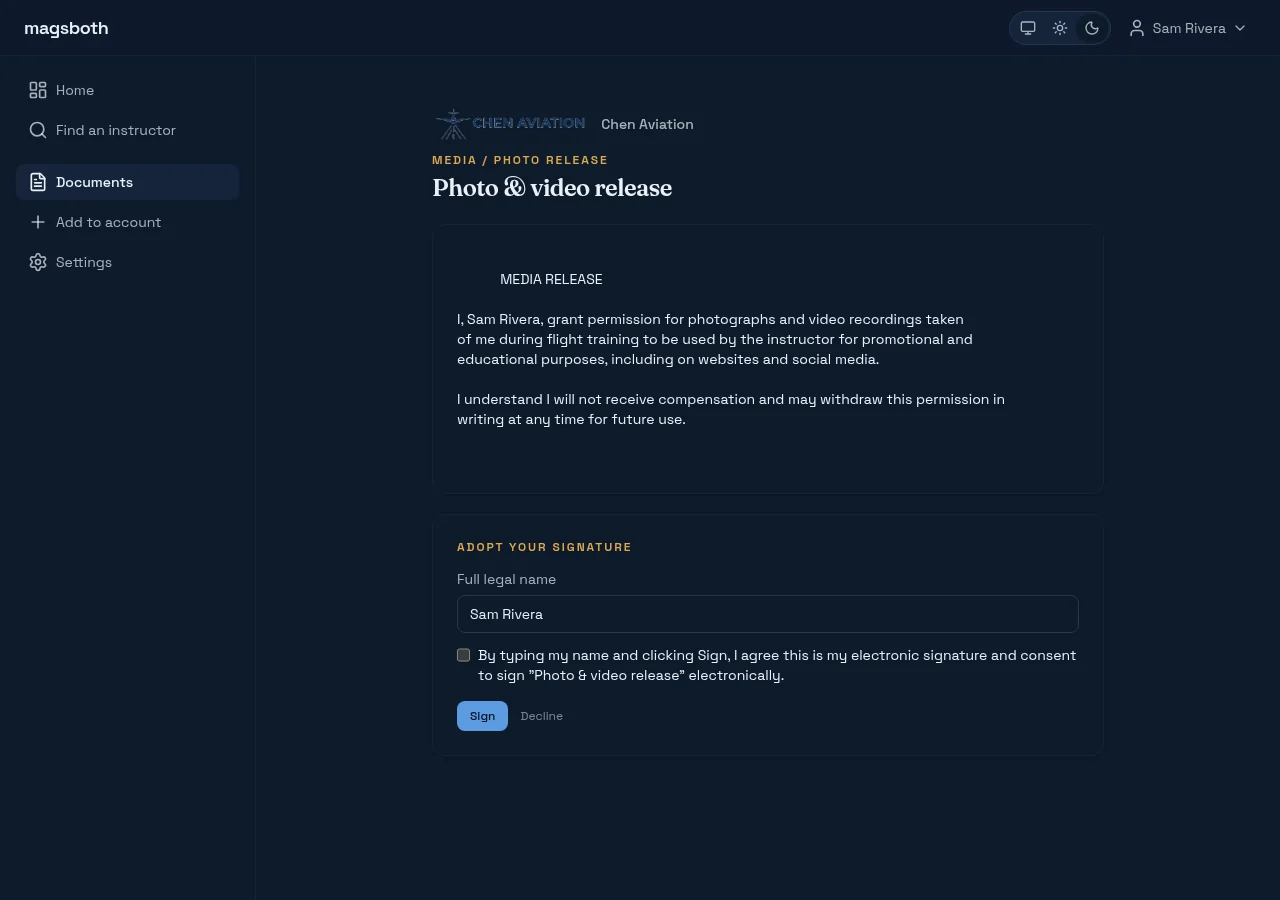
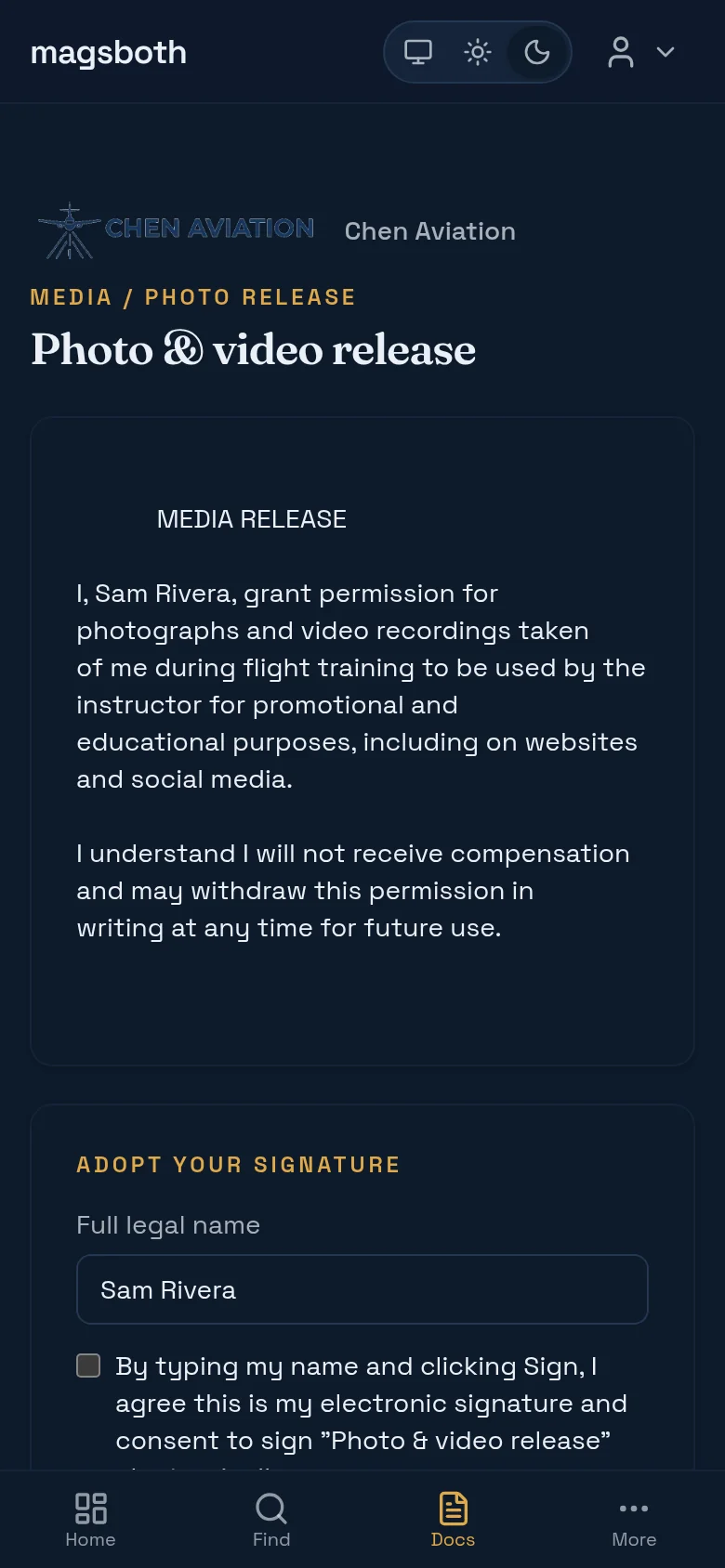
Instructors send waivers, releases, and training agreements through magsboth. They arrive as a link. You can sign from the email without an account, or from your dashboard if you have one.
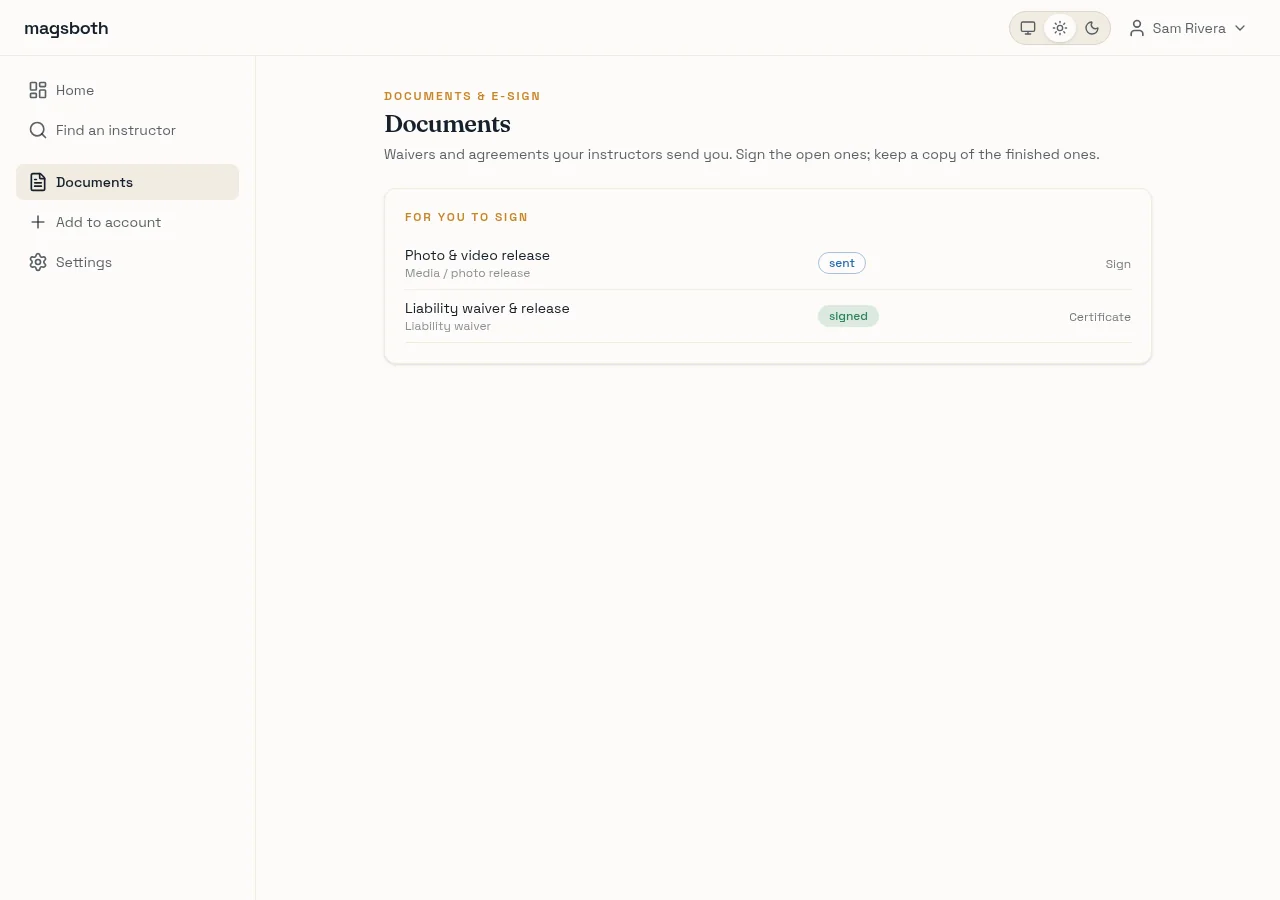
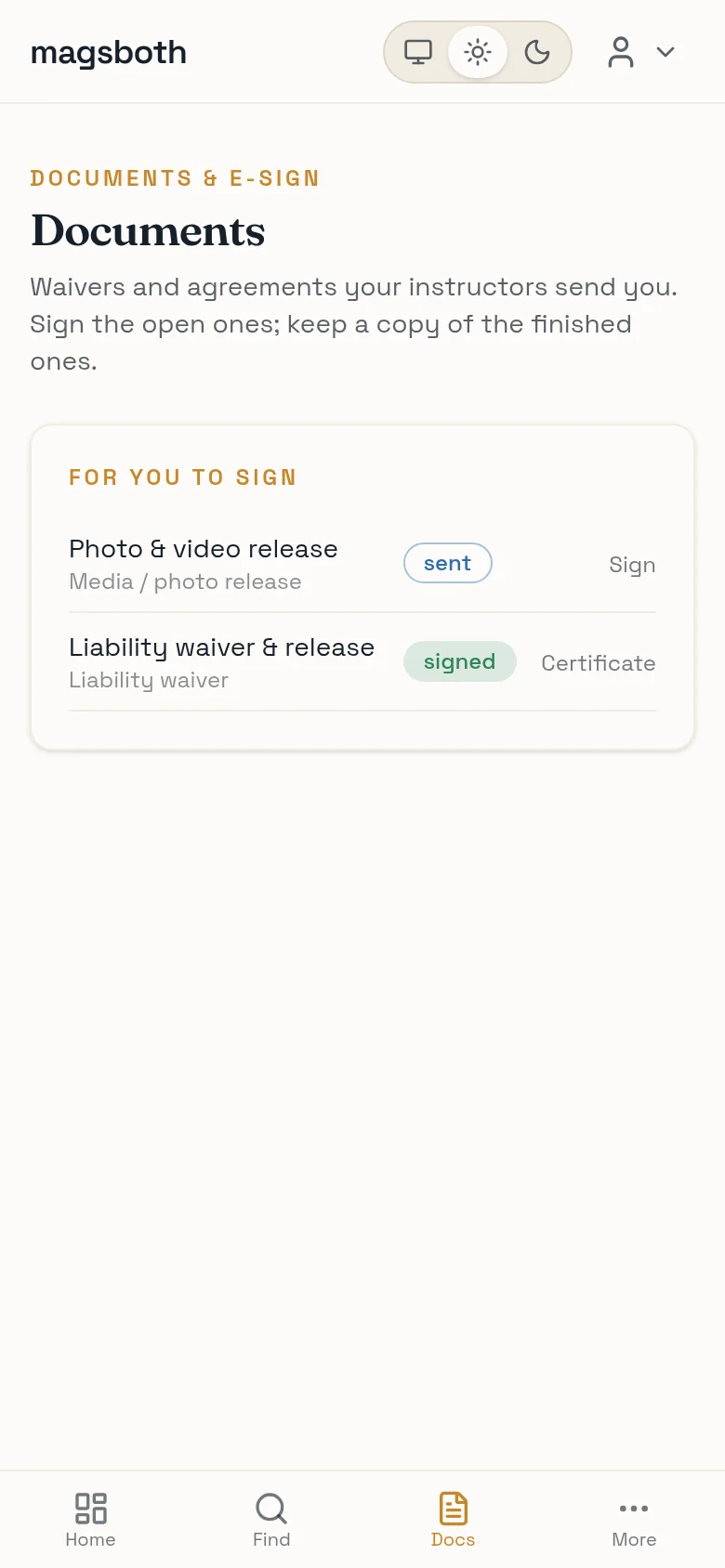
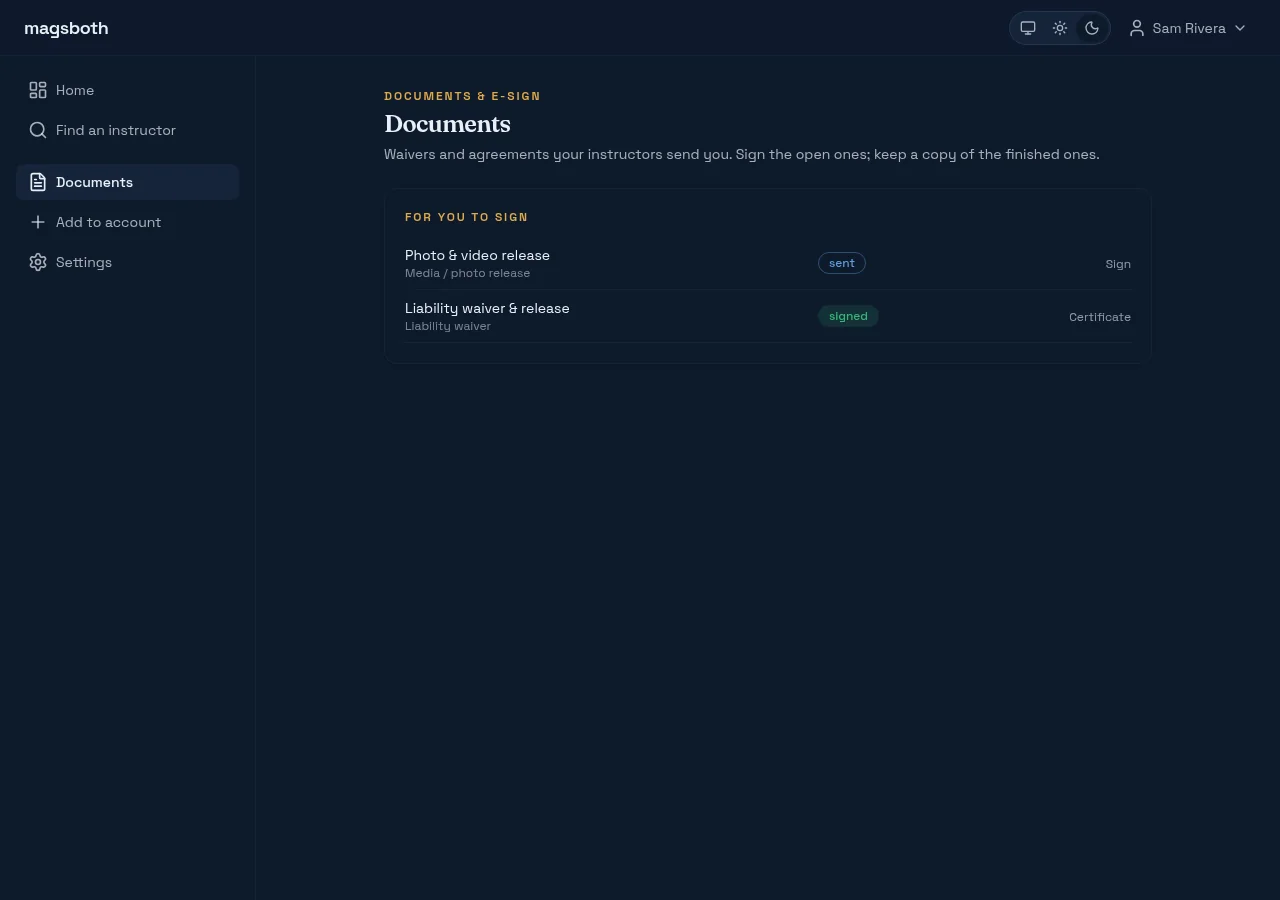
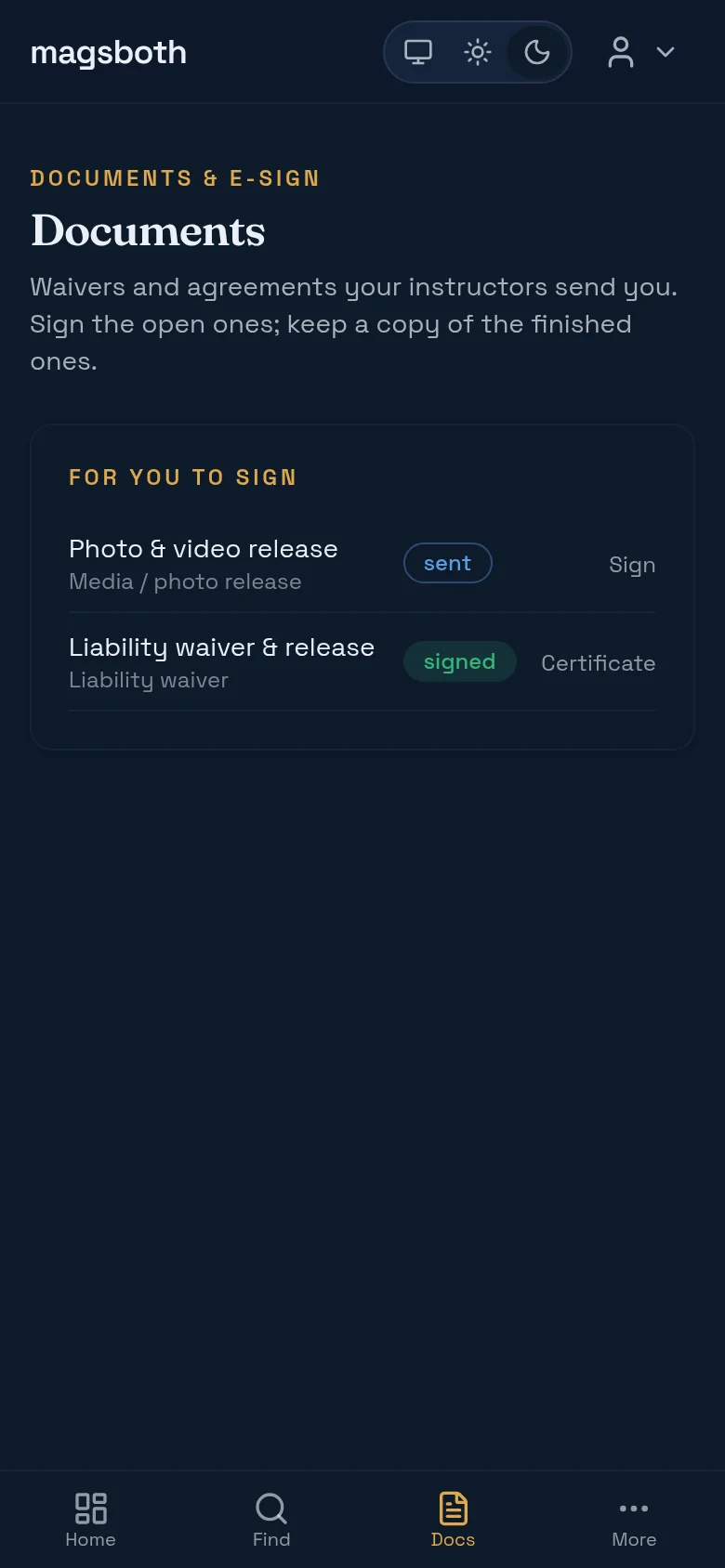
Signing is typing your legal name and ticking the consent box. Read the thing first. It's usually short, and it's a real agreement about a real aircraft.
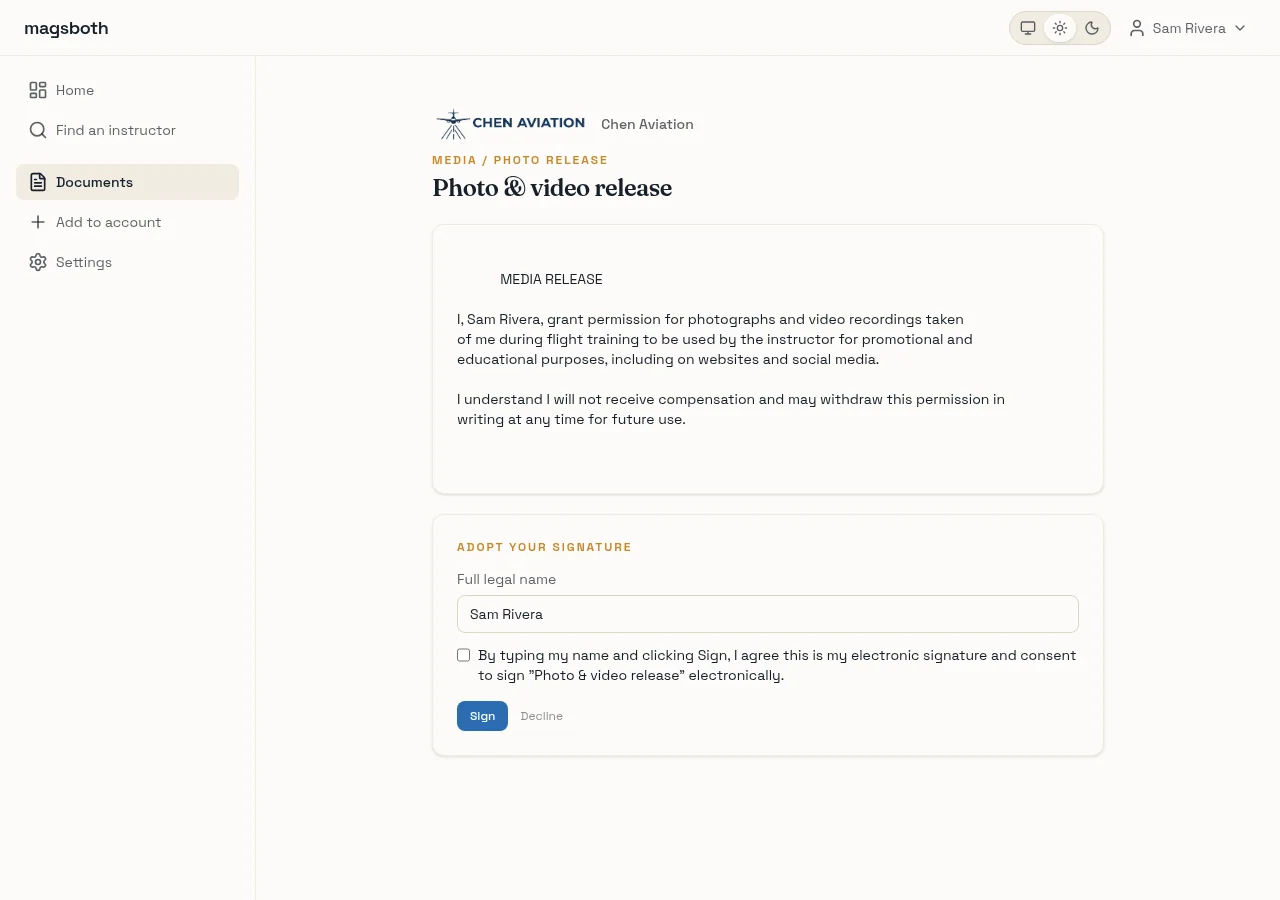
Once signed, neither of you can quietly alter it: the signed copy and its record are written into an append-only log that's externally anchored. Your copy and their copy are provably the same document. Download the certificate for your own files.
Pay, and keep the receipt
How you pay is between you and your instructor: cash, check, e-transfer, or a card if they've set that up. Either way, ask for a receipt. Instructors can issue a numbered one from magsboth in about ten seconds, and they'll usually send it as a link you can open without signing in.
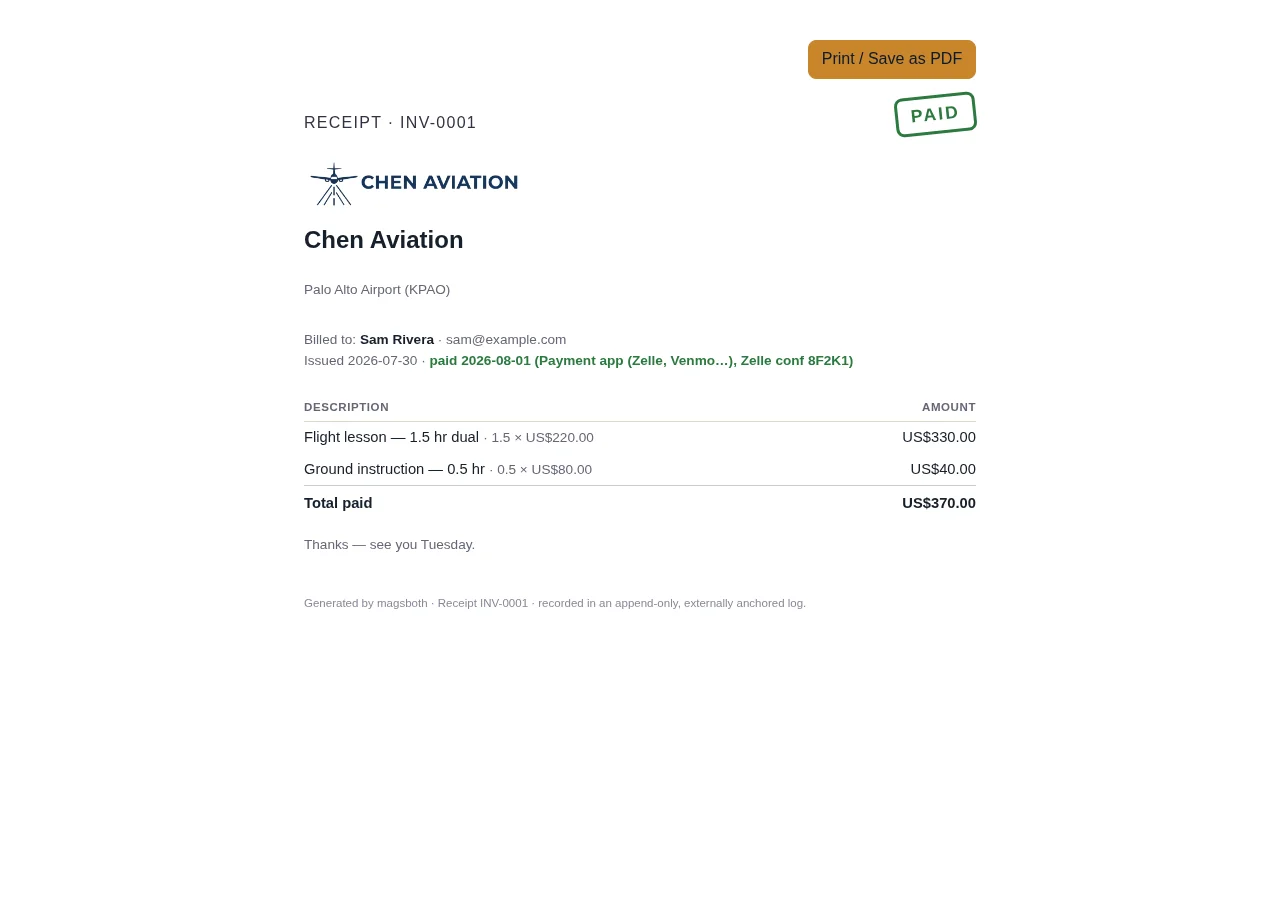
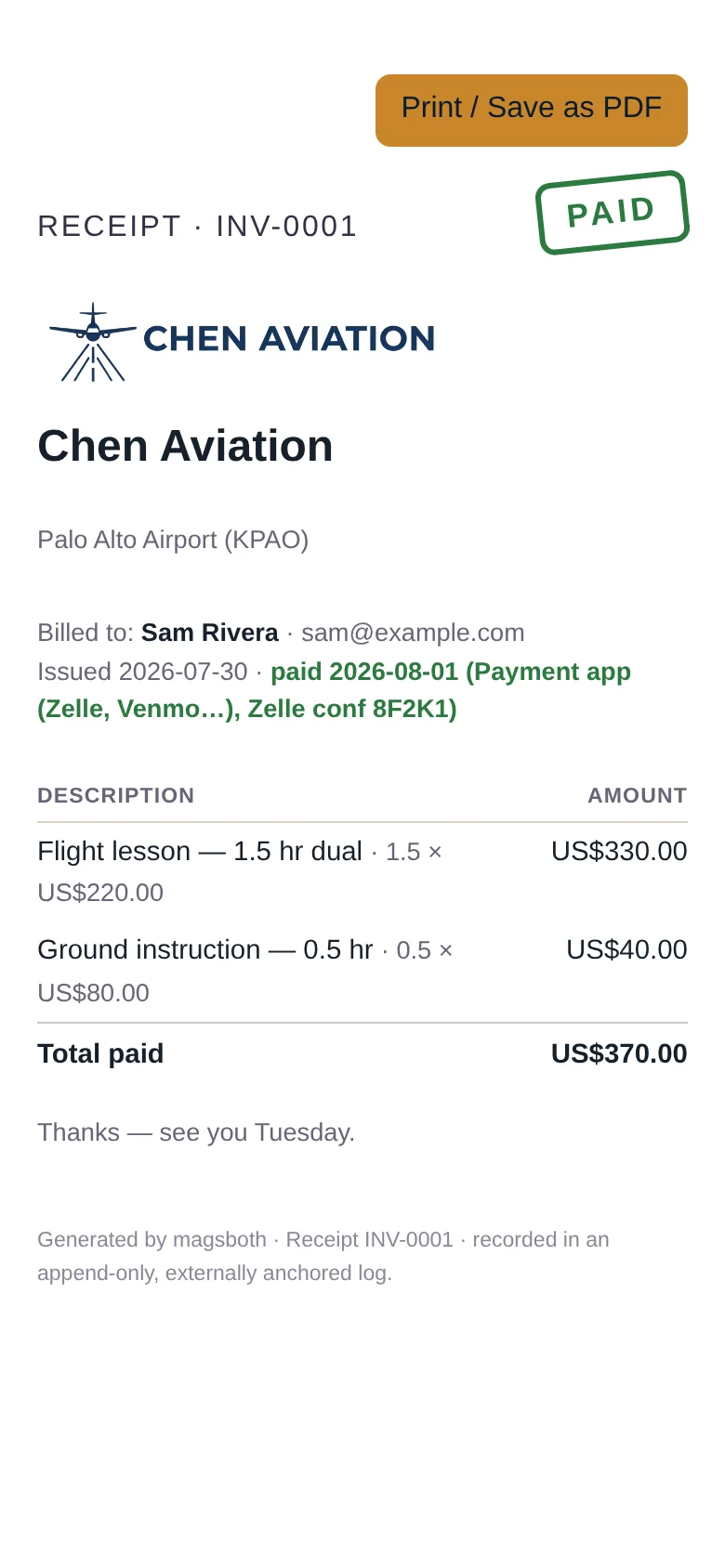
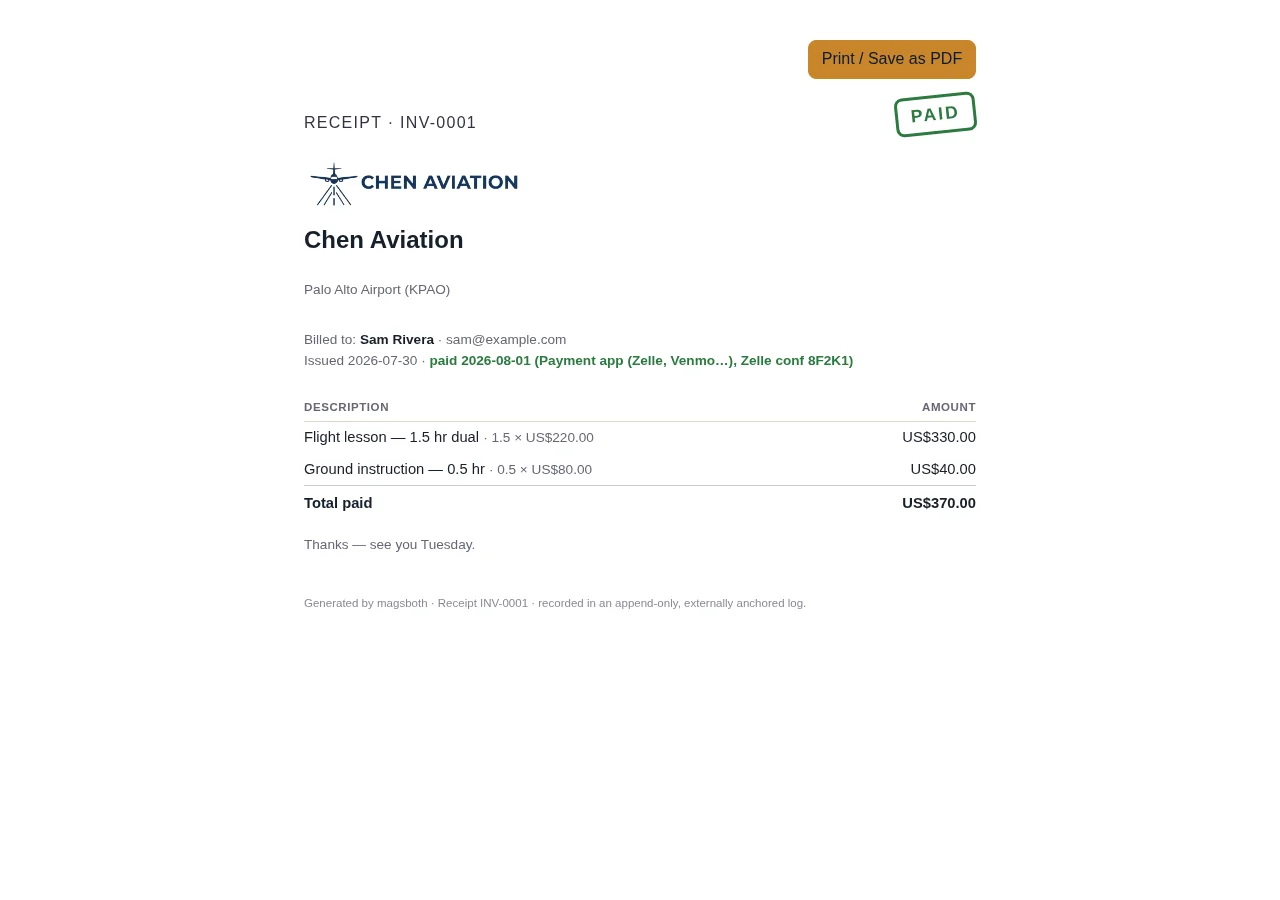
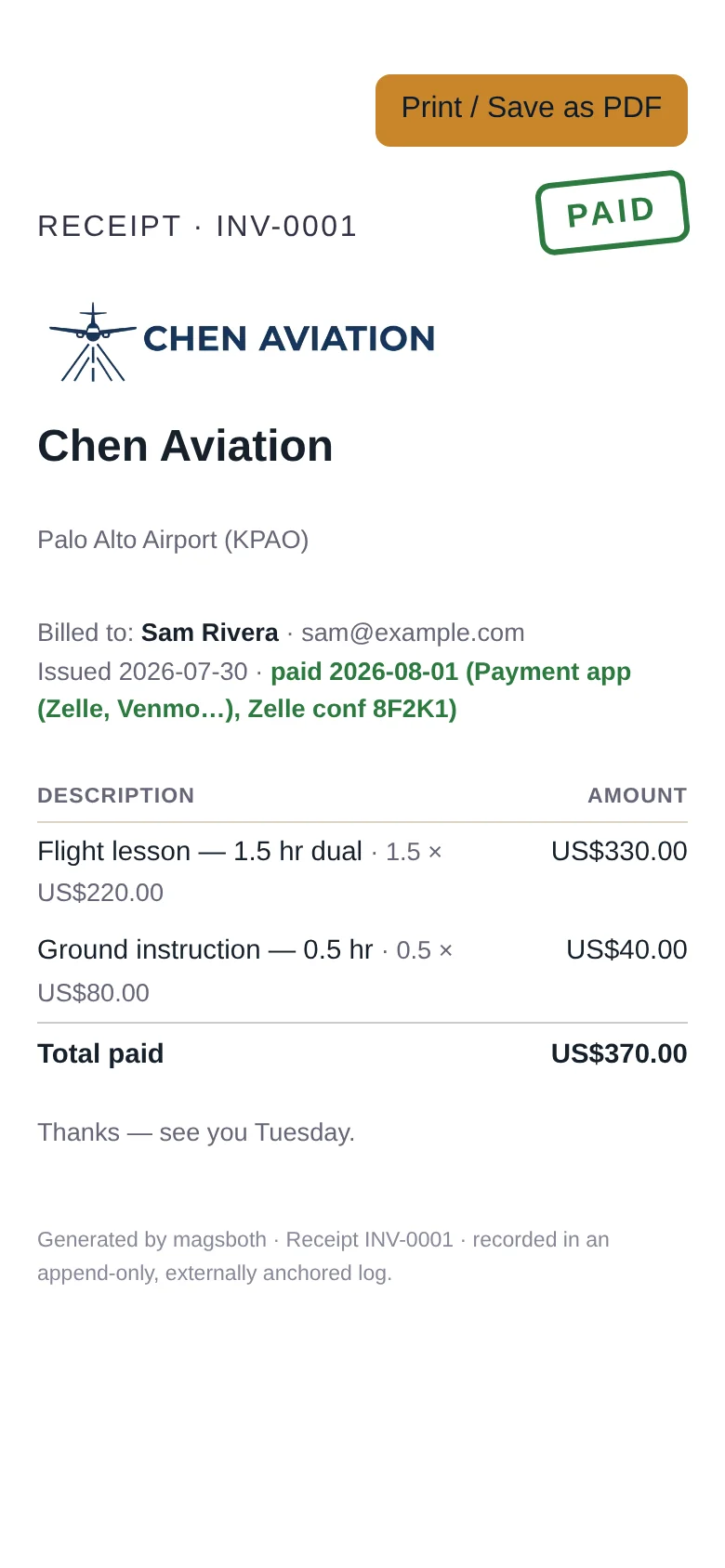
Keep them. Flight training is expensive enough that the total surprises people at the end, and if you're ever training under a scholarship, a veterans' benefit, or an employer's development budget, they will ask for exactly this.
Choose how we reach you
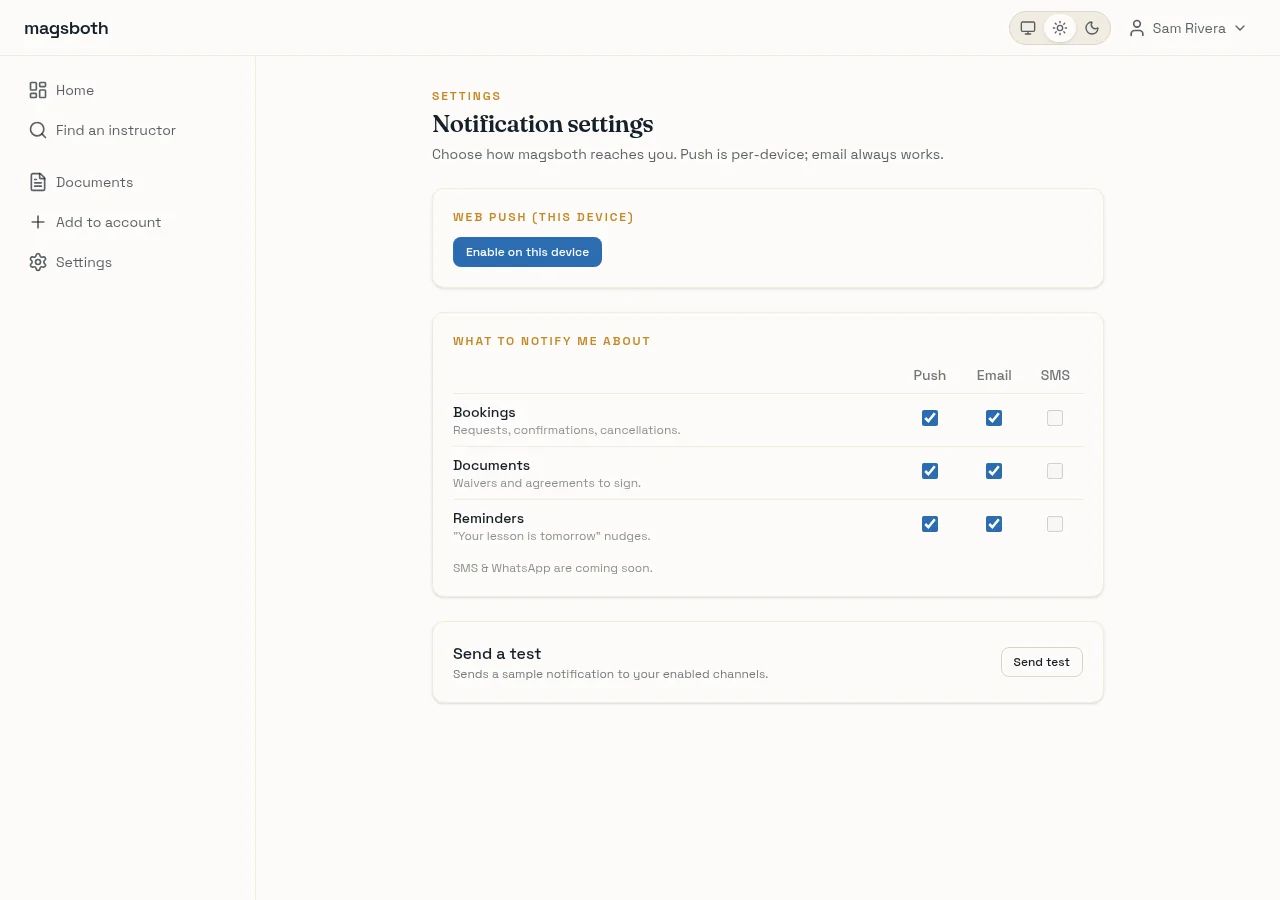
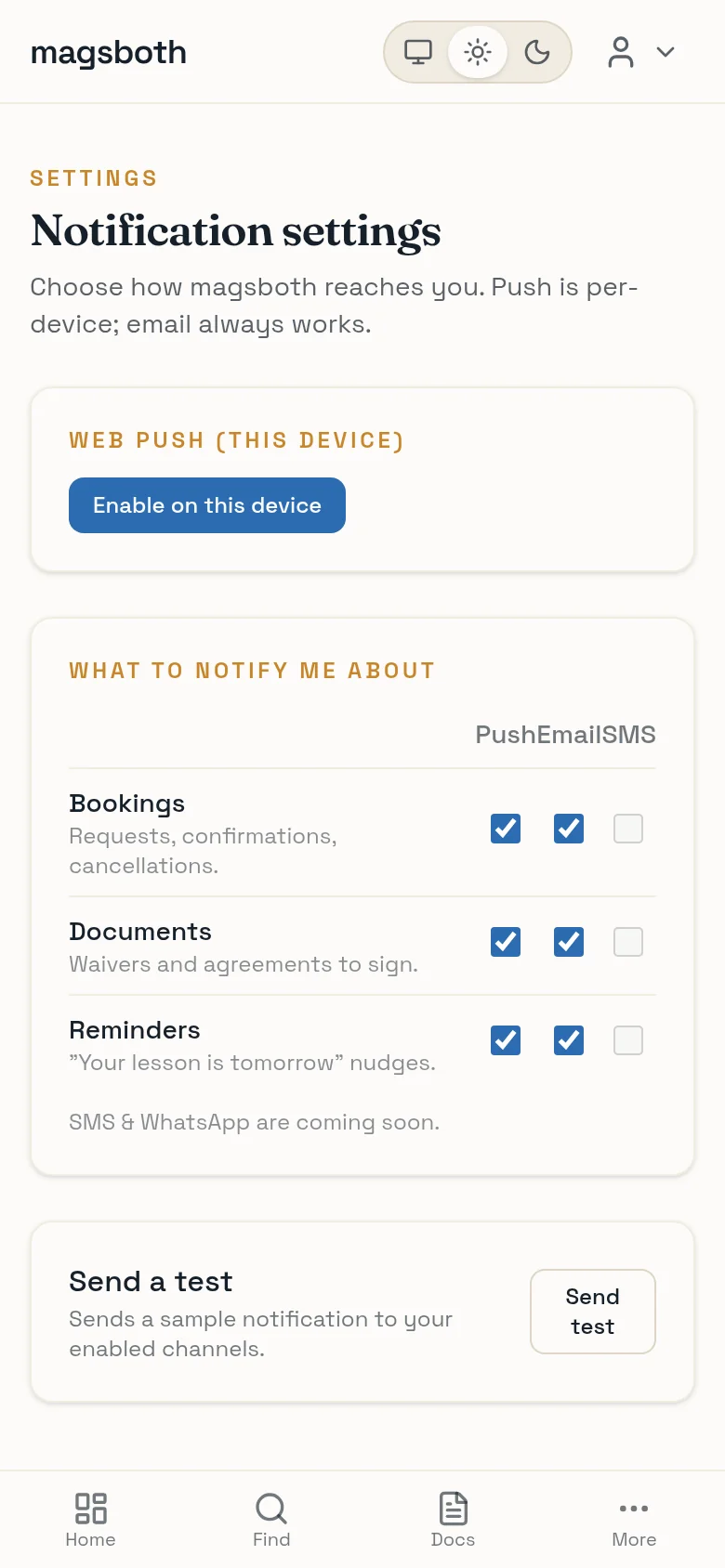
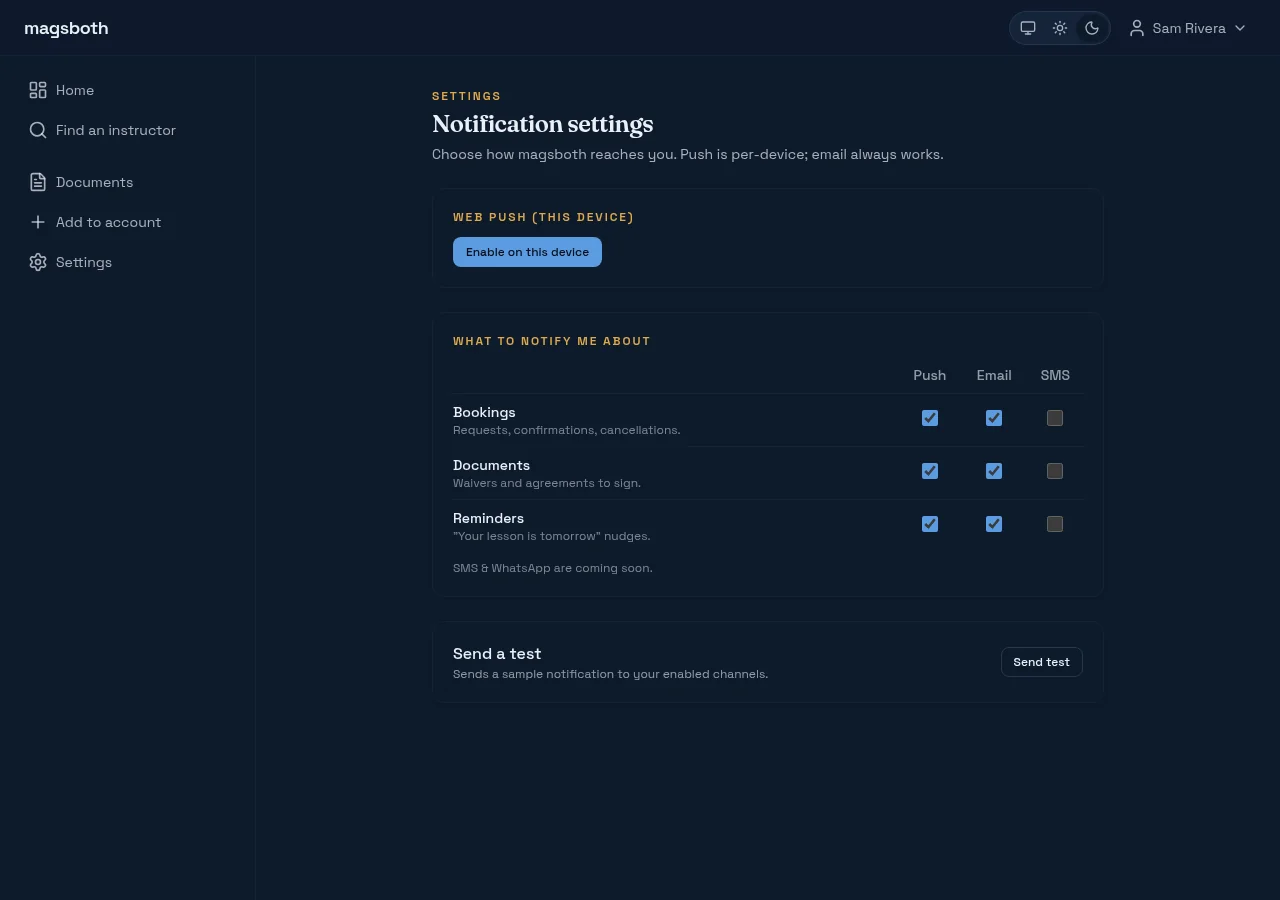
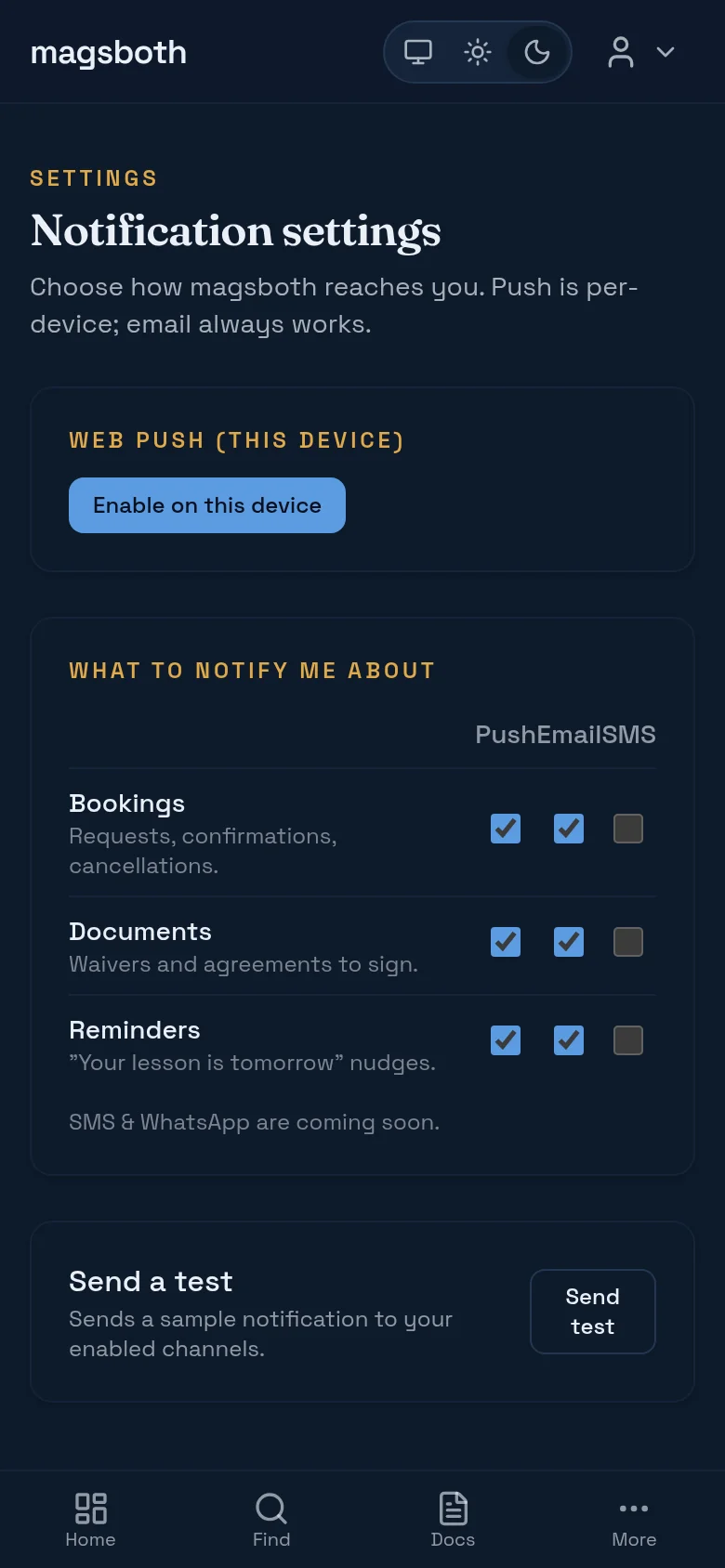
Under your name in the top right, Notifications is the running log of everything we've told you, and its Settings button controls what you get told about: booking confirmations, documents waiting, and lesson reminders. Email always works; turn on push for the phone you carry. Text messages are coming.
If your instructor teaches at a school
Some instructors fly out of a flight school, and their page says so. You still book the person the same way; two things change. A session marked school rates, pay at the school is paid at their front desk, not through the site. And if you found them through the school's own page, your booking notes that, which helps everyone keep the story straight. Everything else here works identically.
A few common questions
- Does an account cost anything?
- No. Students use magsboth free; instructors pay for their side of it.
- Is magsboth the flight school?
- No. Your agreement is with your instructor. We're the software they run their practice on. Questions about training, aircraft, and money go to them.
- Can I use more than one instructor?
- Yes, and one account covers all of them. An instrument instructor and a tailwheel instructor sit side by side on the same dashboard.