At a school · owners & managers
Running your school's page
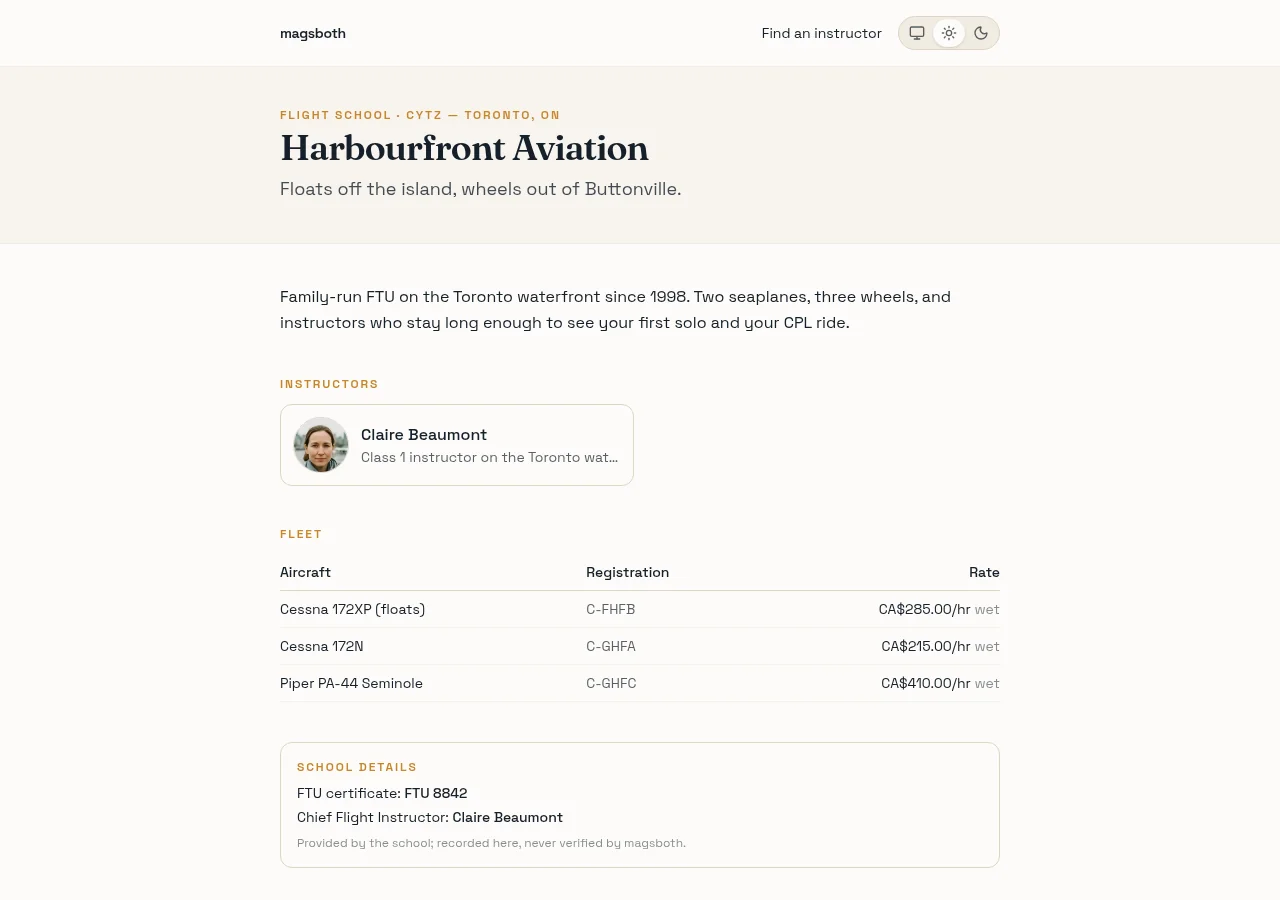
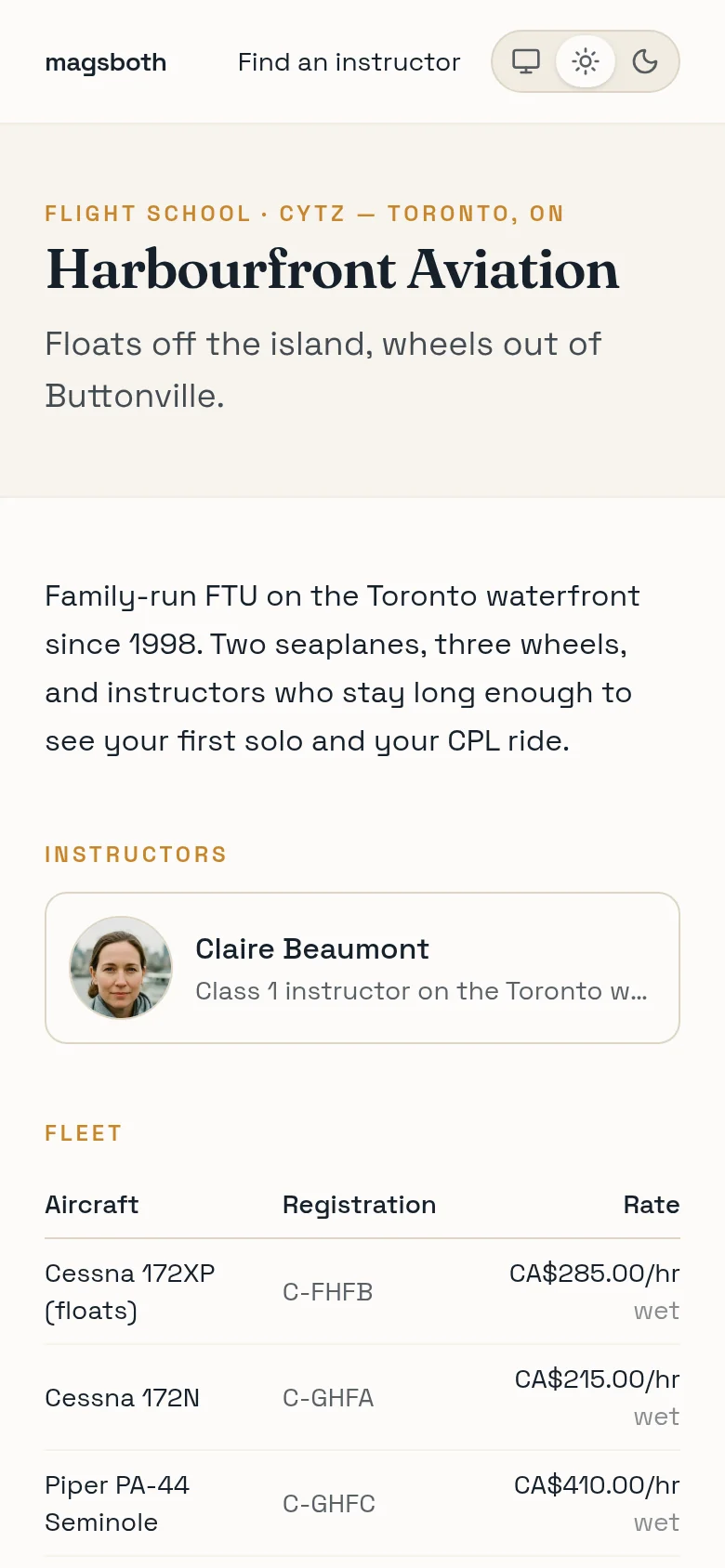
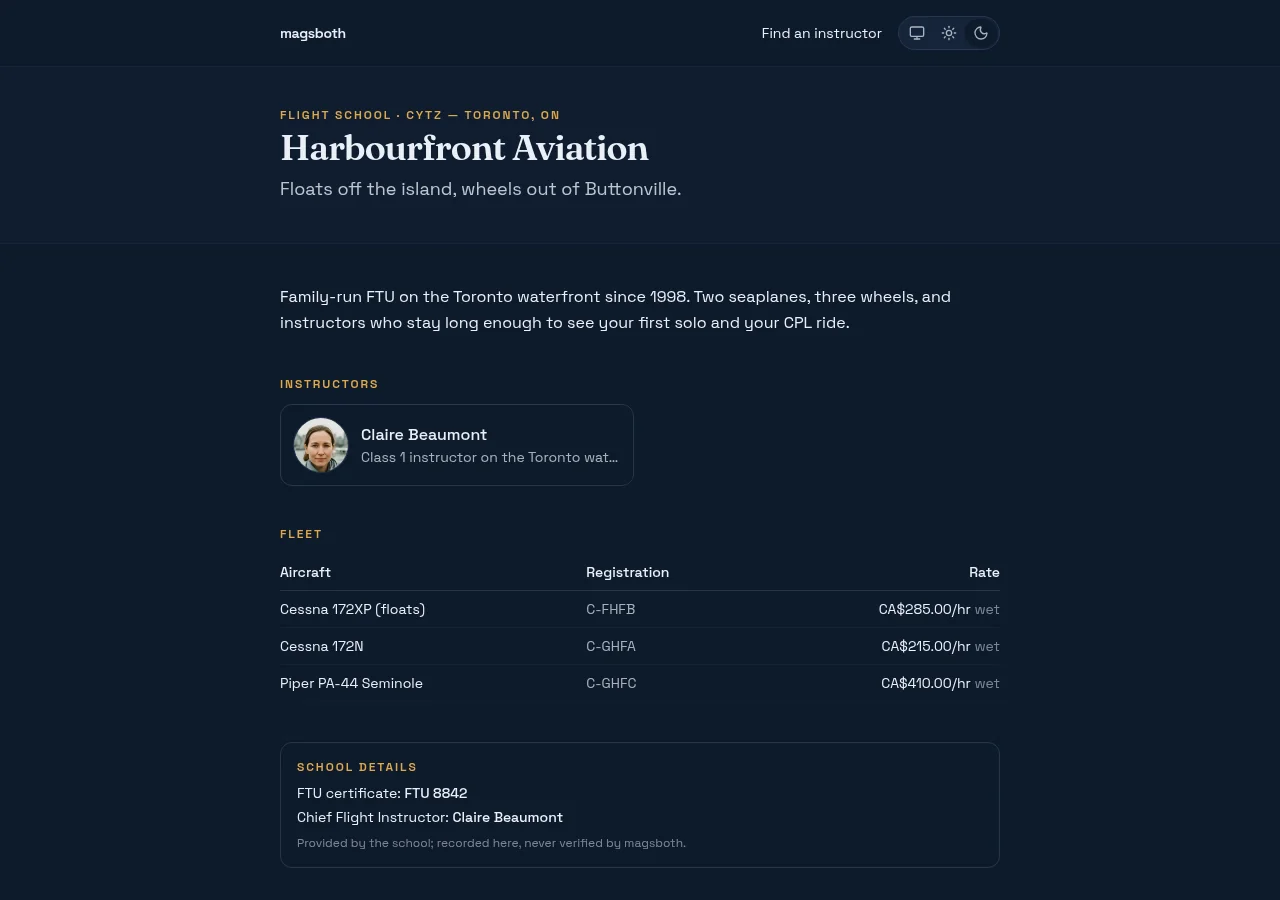
A public page for the school, built from your instructors' own profiles and your fleet, where every booking arrives with a name and a time on it. Free for founding schools, and nothing about your existing operation has to change to use it.
Set it up
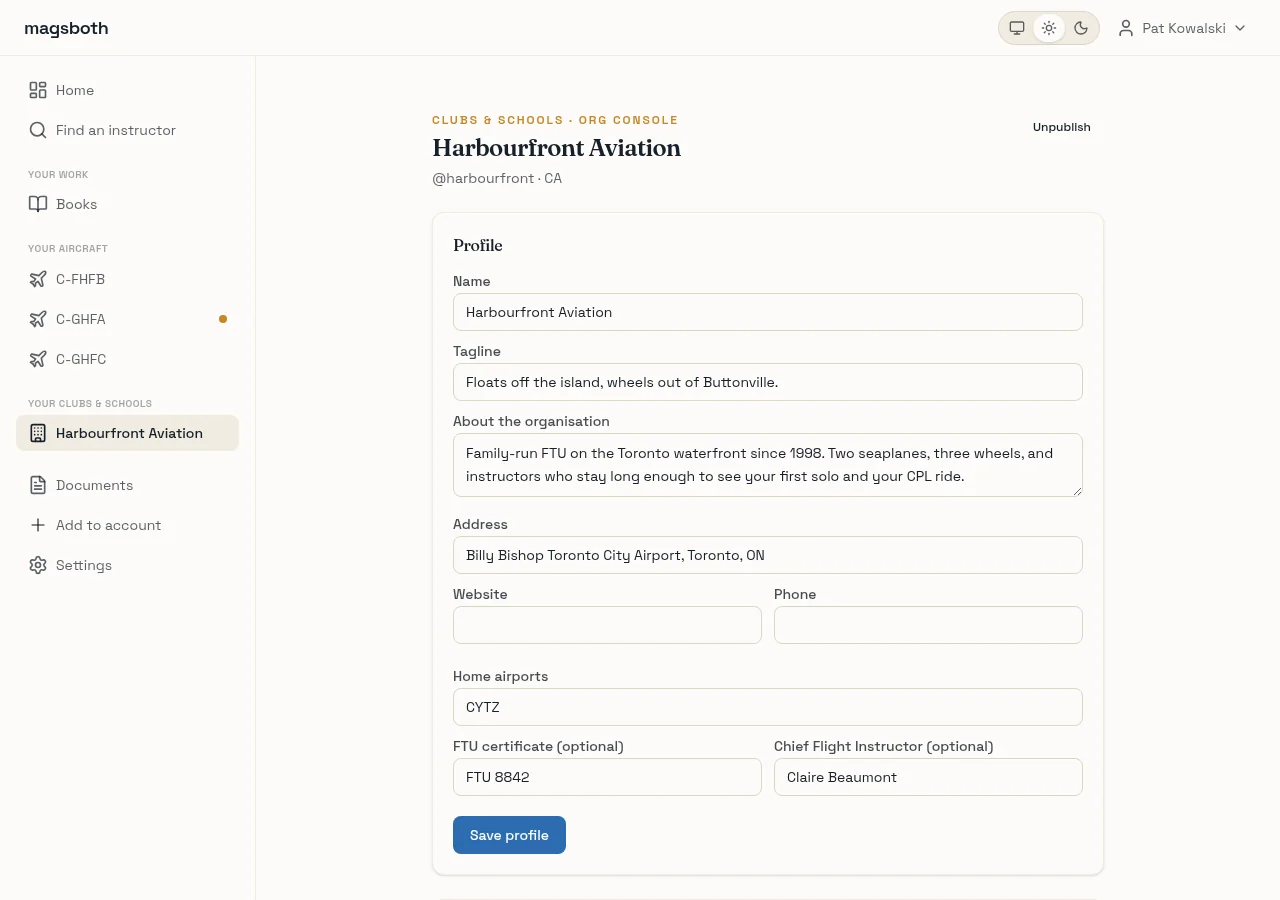
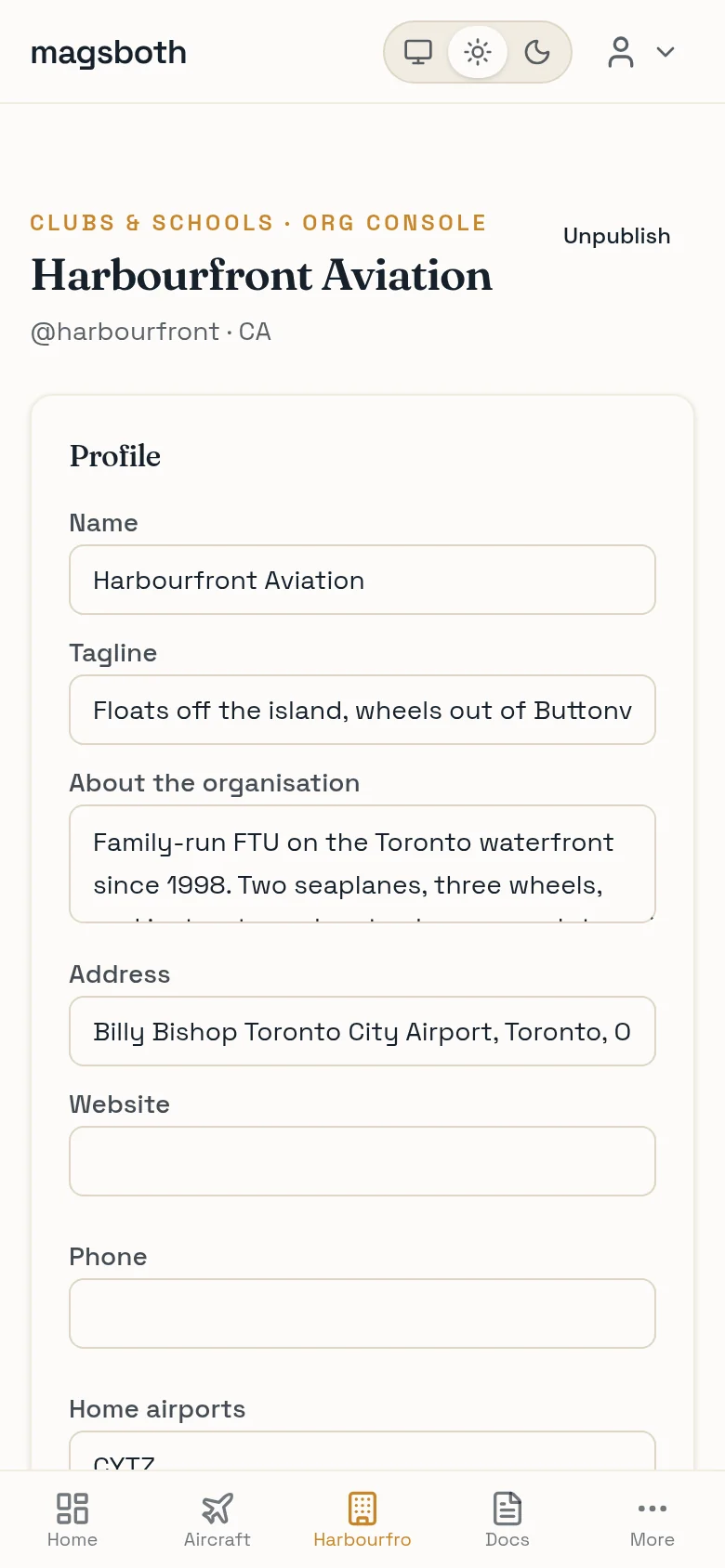
- Create the page from any account at app.magsboth.com/orgs/new. Pick the handle students will see, and pick the country carefully: it sets the page's currency and can't change later. A school operating on both sides of the border runs two pages.
- Put the fleet on it: aircraft, registrations, and hourly rates in dollars if you want rates shown. Wet or dry is your call and your label.
- Send your instructors the invite link from the console. Each one connects their own account, or creates one, and appears on your page as themselves: photo, specialties, availability. There is nothing for your desk to set up or maintain, because their accounts are theirs.
- Publish when the page has people on it. A school page with no instructors is a brochure, and students learn quickly which pages can actually be booked.
Bookings, your way
Instructors choose per session type whether bookings confirm instantly or wait for a human. For a school with its own scheduling book, the second mode is the whole trick: a request comes in, your desk checks the book, and one click confirms it. The student sees a real answer either way, and response time shows on the listing, so a fast desk is visible marketing.
Instructors can also hand your desk a read-only calendar link of their magsboth bookings. It works in Google Calendar, Outlook, or a browser tab, which means the paper book and the online page can coexist without anyone re-typing anything.
Bookings that start on your page are marked as yours from day one, so the record of what the page brings in is building whether or not you ever look at it. Your best instructors already know who they bring in the door; the page is how you get to know too.
What the console shows, and what it never will
You see your page, your fleet, your affiliations, and the bookings that touch the school. You do not see your instructors' private business: their rosters, records, documents, and anything they do outside the school stay on their side of the line. That line is what makes the invite easy for them to accept, and it also means the school carries no responsibility for their personal records.
When an instructor moves on, either side ends the affiliation with one click. Their card leaves your page, your history stays your history, and nothing needs untangling because nothing was tangled.
Country notes
- Canada. Your page can display the FTU certificate number and the Chief Flight Instructor's name; both are shown as provided by the school, recorded and never verified by magsboth. Your Pilot Training Records and everything else Transport Canada regulates stay in whatever system you keep them in now; magsboth is the front of house, never the training record.
- United States. Same boundary: if you hold a Part 141 certificate, your approved records system stays yours, and the page serves the Part 61 side of the house. One thing that is yours regardless: under TSA's Flight Training Security Program the school is the provider for its students, with the portal account, citizenship records, and security awareness training that come with that. magsboth does not replace any of it.
The pitch, if you're still deciding
The schools page has the short version. For your instructors: teaching at a school that's on magsboth.